Answer Every RFI and Sources Sought with AI-Drafted Responses
Responding to RFIs and Sources Sought notices is how you shape solicitations before they drop, but drafting each one eats hours. Move an opportunity into your RFI stage and CLEATUS drafts the response from the notice and your capability profile, then emails it to you ready to review and send.


Trusted by 750+ contractors


























Drag to Draft
Move a Card, Get a Response Draft
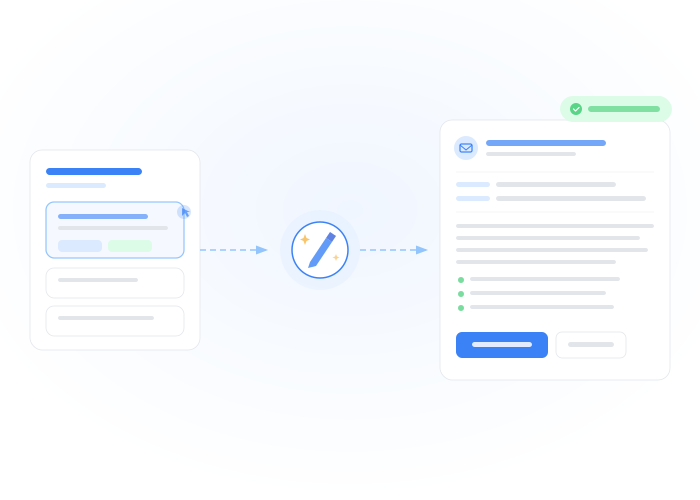
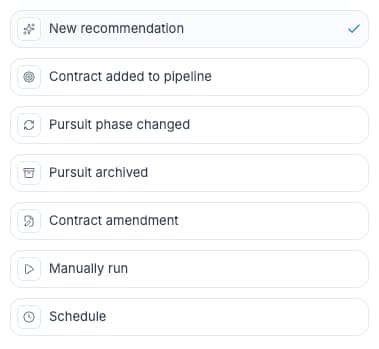
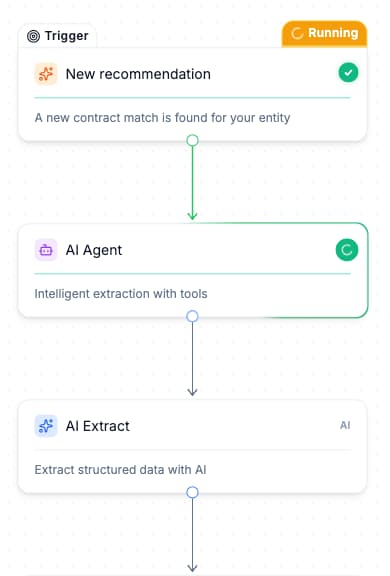
One real CLEATUS customer, a veteran-owned consultancy, runs exactly this: dragging an opportunity into their "Write Response (RFI)" column fires an agent that drafts the full response email to the government, grounded in the notice text and their capability profile. The draft lands in the owner's inbox with a review-and-send task. No blank pages, no copy-pasting boilerplate.
Grounded Content
Drafts Built from Your Real Past Performance
The agent does not write generic marketing copy. It reads the Sources Sought or RFI requirements, searches your uploaded capability statements and past performance, and assembles a response that addresses the specific questions asked: your relevant NAICS codes, set-aside status, comparable contracts, and delivery capacity. You review for accuracy and tone, not structure.

Ready to Answer More RFIs?
Turn every Sources Sought into a shaped solicitation opportunity
Response drafts fire automatically on phase change
Grounded in the notice text and your real capabilities
Delivered by email with a review task attached
Works for RFIs, Sources Sought, and market research notices
Build it in plain English, no technical setup
Join 750+ contractors already using CLEATUS
Related Workflows
Automated Proposal Kickoff
When a pursuit enters the Proposal phase, CLEATUS extracts submission requirements — page limits, due dates, required forms, evaluation crit...
Automate Capture Plan Creation for Government Contracts
When an opportunity moves to Pursue, CLEATUS extracts key information — scope, agency, timeline, evaluation criteria — and generates a draft...
Amendment Watch Agent: AI Contract Amendment Summaries
Amendments can change deadlines, scope, and evaluation criteria overnight. CLEATUS monitors your active pursuits for amendments, summarizes ...