
Saving Prompts in the Prompt Library
Reuse your best prompts for proposals, BD, and compliance.
The Prompt Library keeps your best prompts in one place so you never retype them. This guide shows you how to save a prompt and reuse it across CLEATUS.
Before you start:
Have a prompt that keeps working well? Keep it handy so you can save it as your first library entry.
Build your library
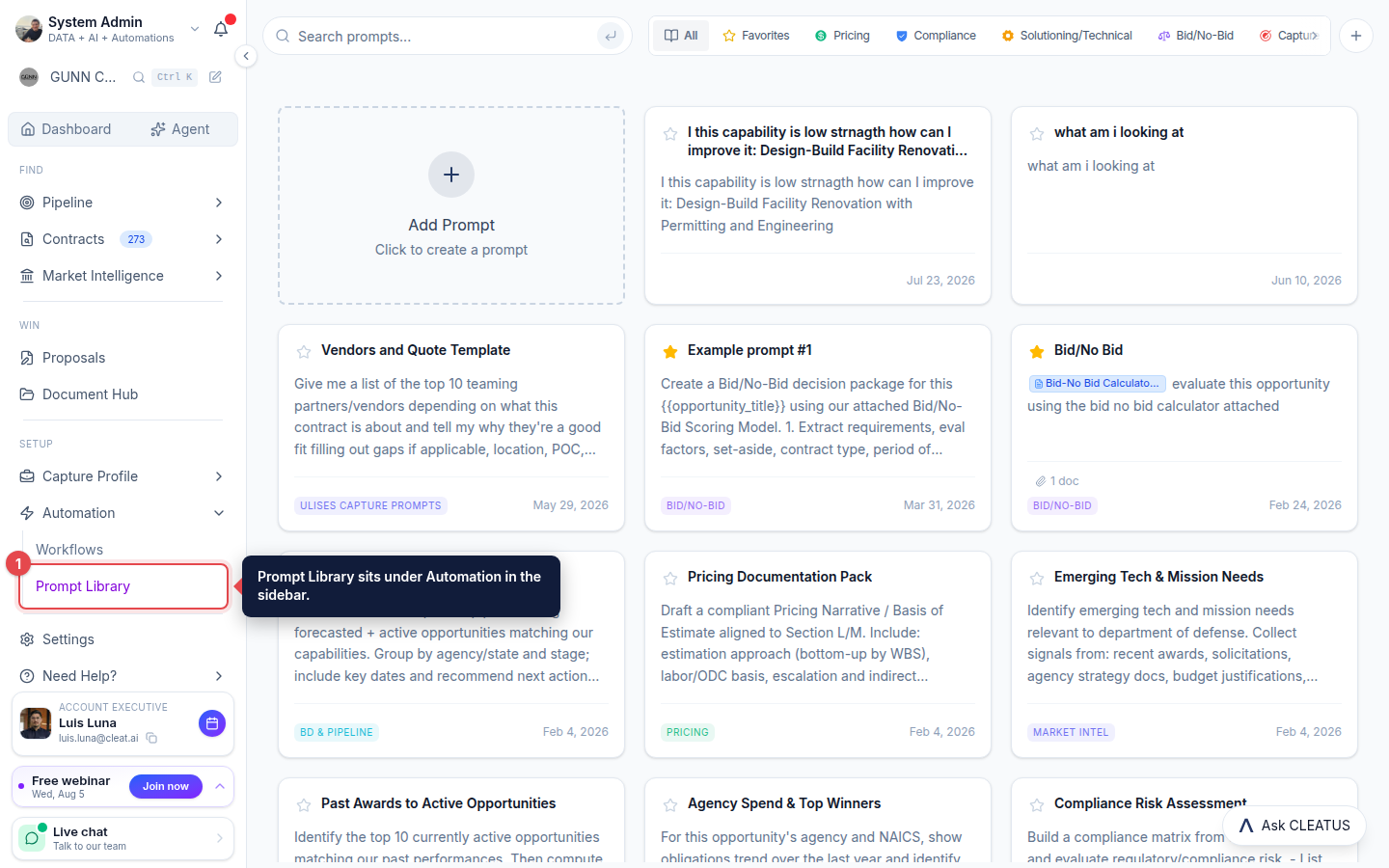
Open the Prompt Library
Open Prompt Library from Automation in the sidebar to see your saved prompts.
Create a prompt
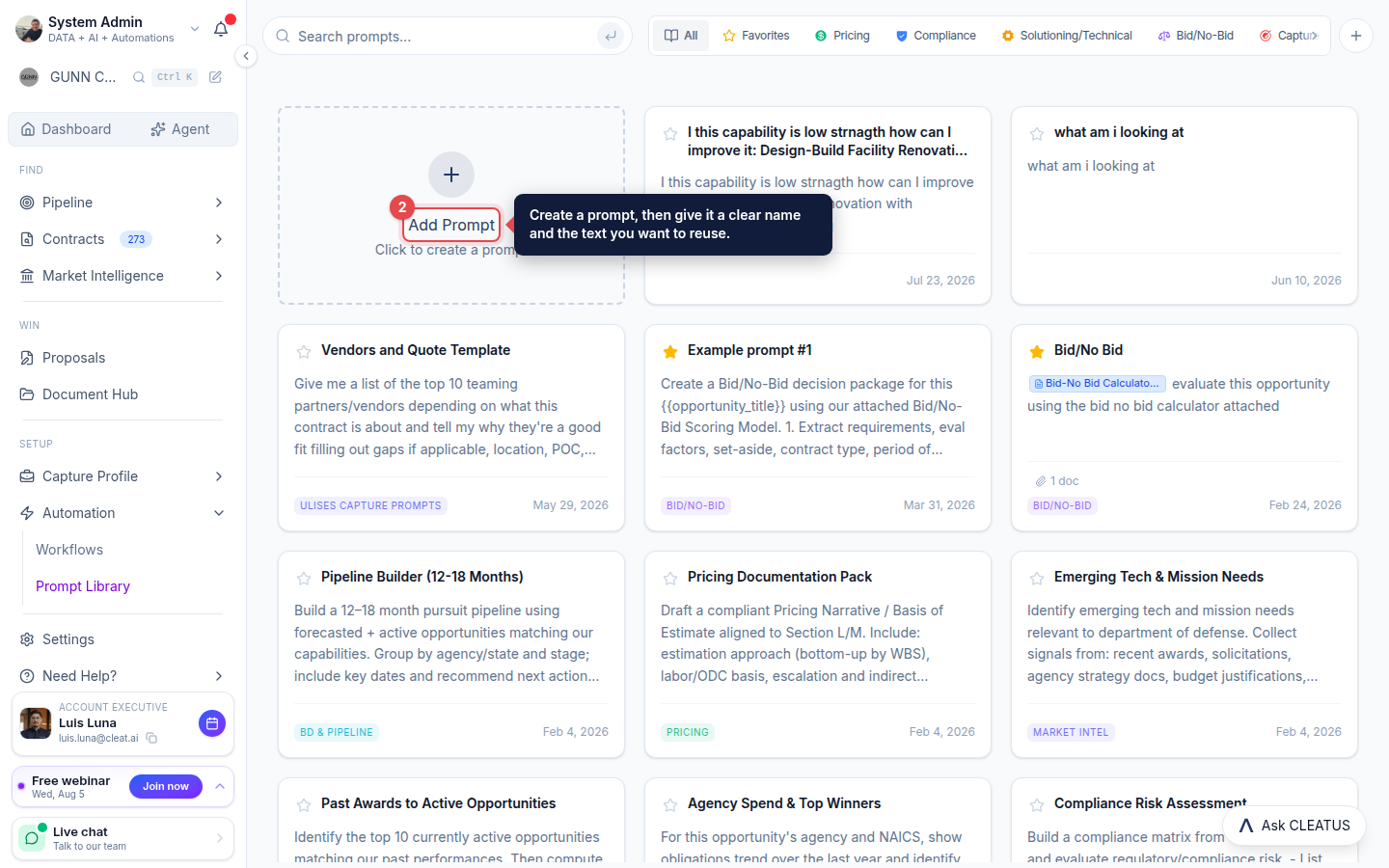
Click Add Prompt, then give it a clear name and paste in the prompt text you want to reuse.
Organize by category
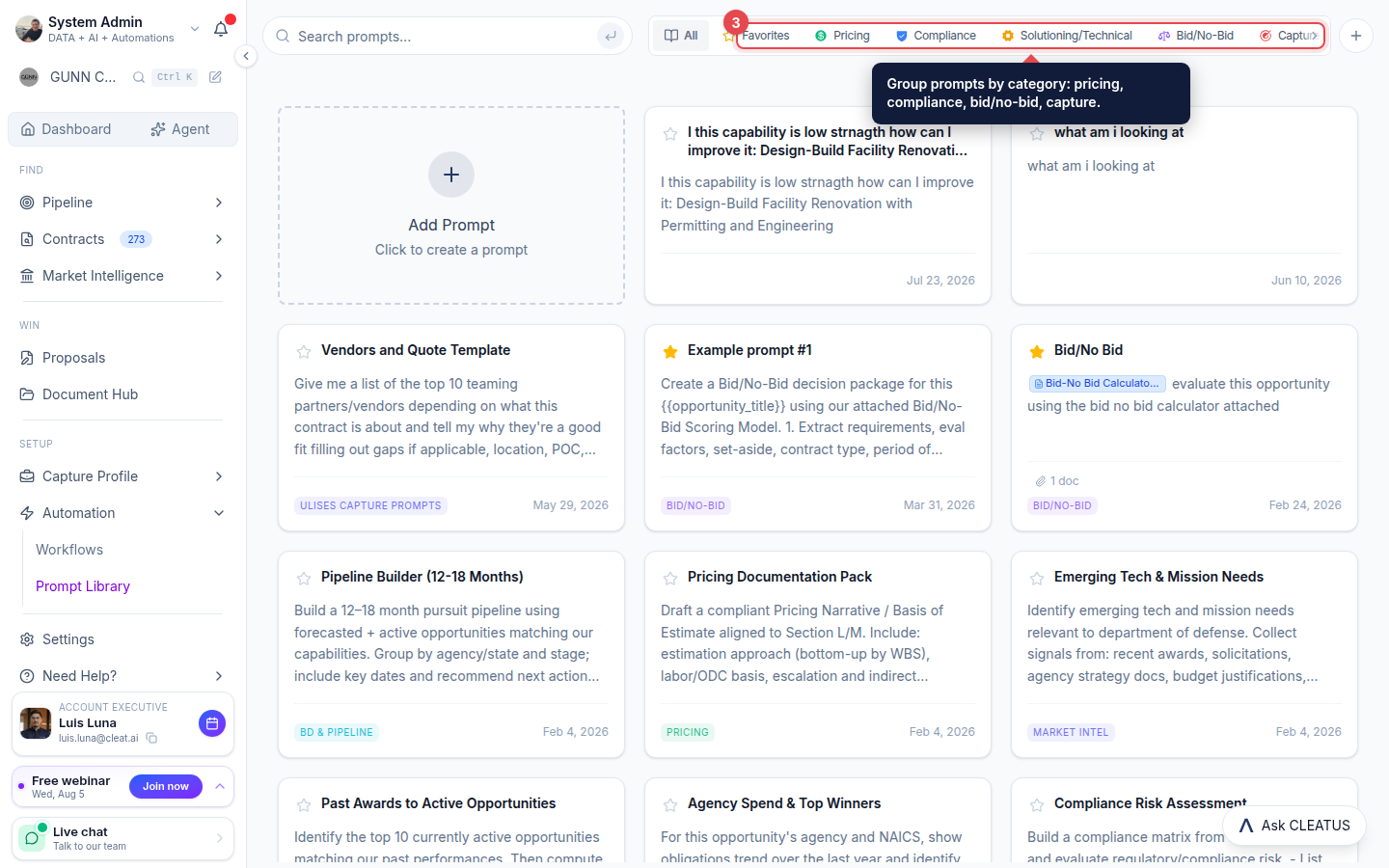
Group prompts by category, Pricing, Compliance, Solutioning/Technical, Bid/No-Bid, and Capture, and star the ones you reach for most.
Reuse it anywhere
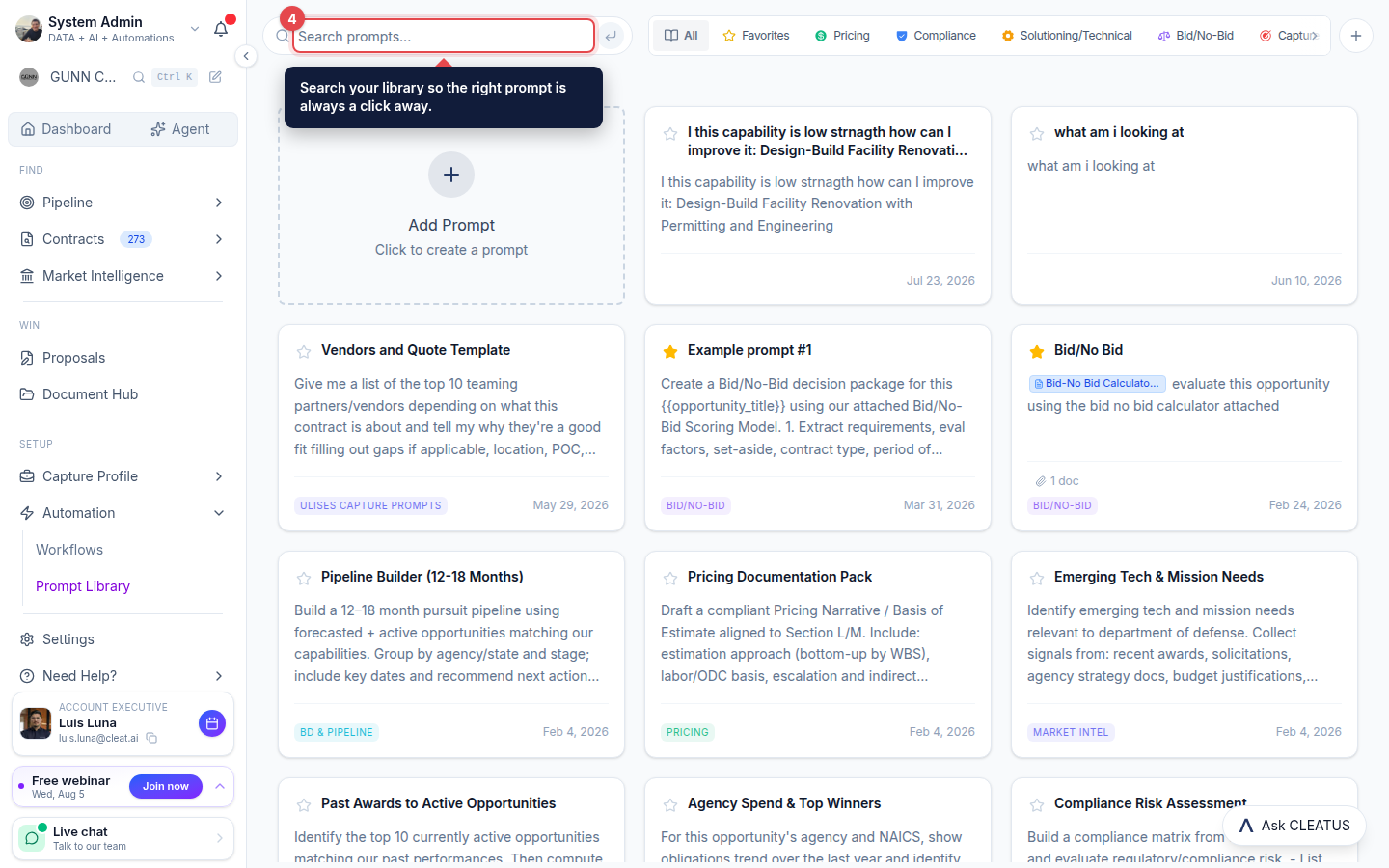
Search your library and pull saved prompts into the agent and the proposal writer instead of retyping them each time.
Tip:
Save your best-performing prompts so the whole team can reuse them.