
Managing Your Proposals
Start a proposal, edit the draft, and keep a growing set organized.
Proposals is where every draft in your workspace lives. This guide shows you how to start one, edit it, and find the right draft once you have a lot of them.
Or just ask CLEATUS
Draft the technical approach section for my Fleet Services pursuit
Manage your proposals
Start a proposal
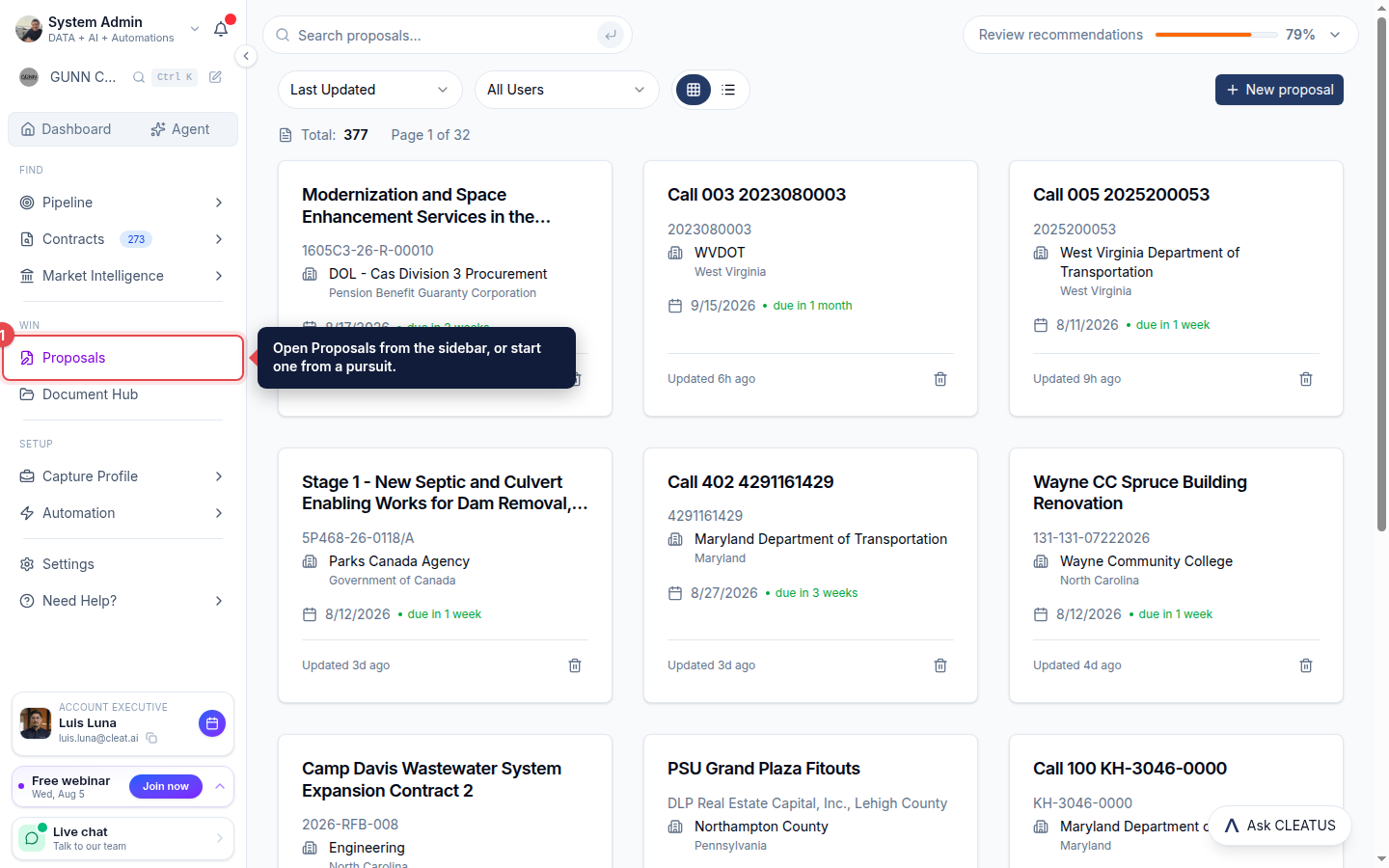
Open Proposals from the sidebar, or start a proposal directly from a pursuit in your pipeline.
Let the writer build the draft
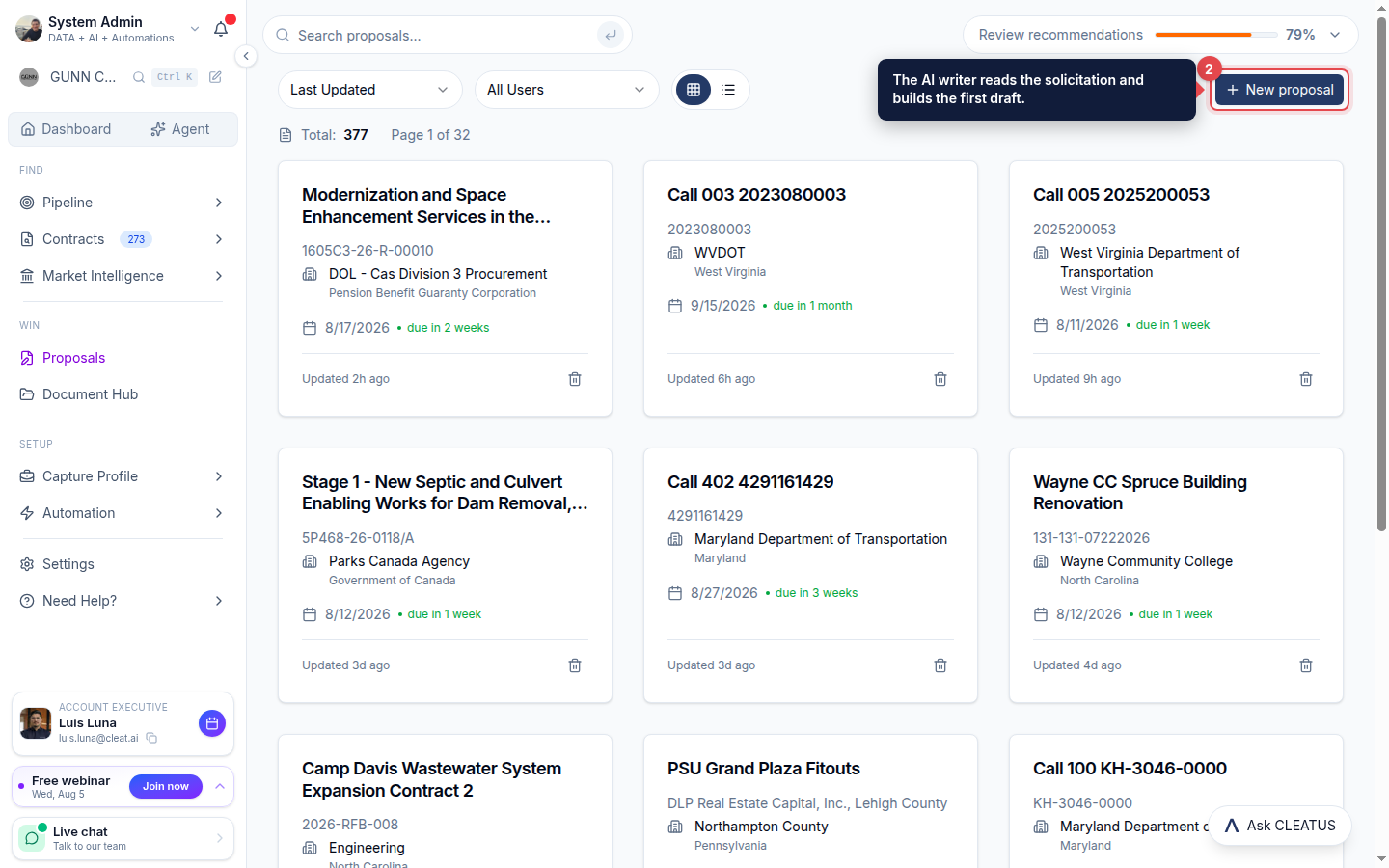
Click New proposal. The AI writer reads the solicitation and builds a compliance matrix, win themes, an outline, and structured volumes for you to work from.
Edit like a document
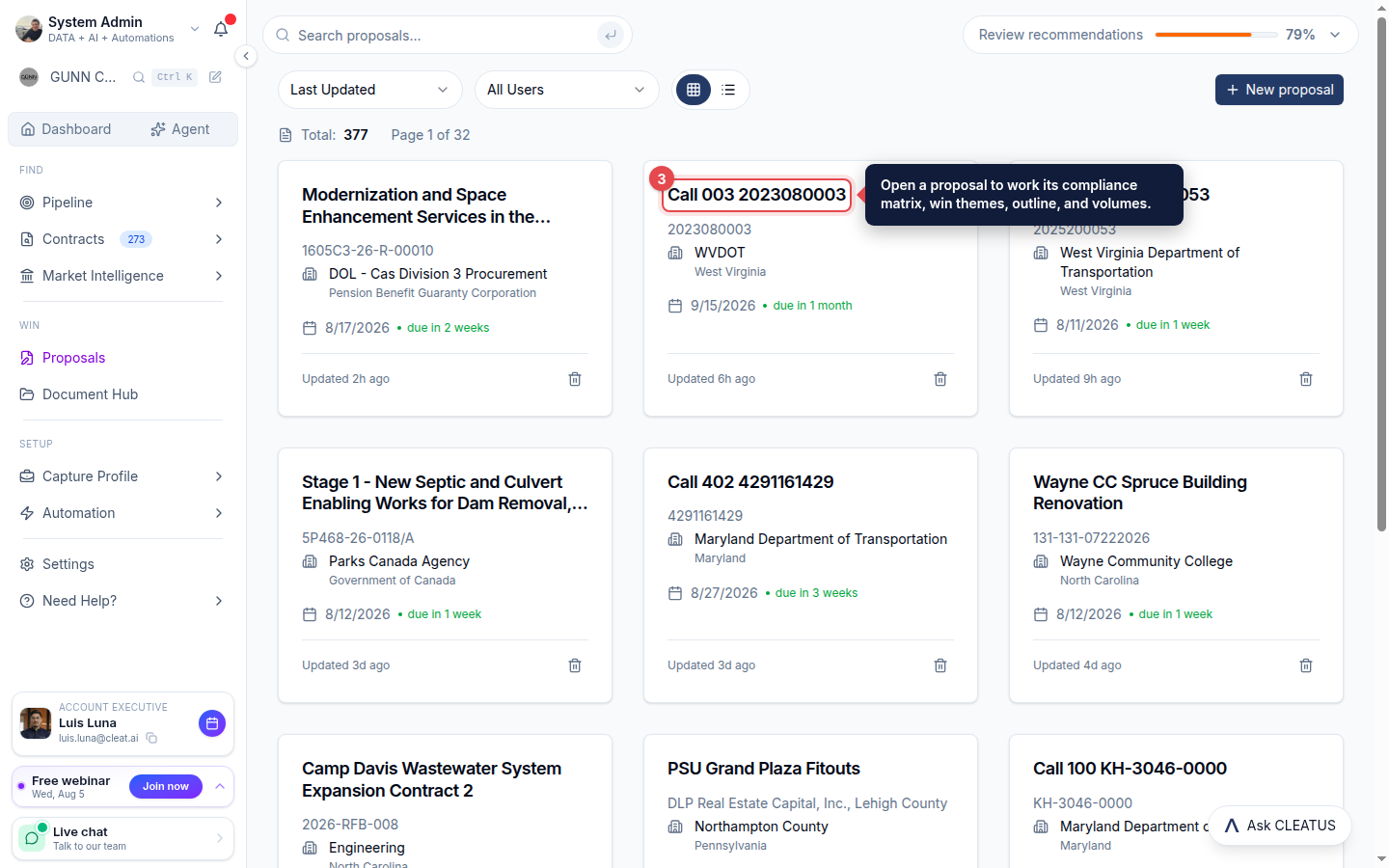
Open a proposal and refine the draft just like any document. CLEATUS pulls in your Document Hub materials as context so the writing reflects your real capabilities and past performance.
Keep the set organized
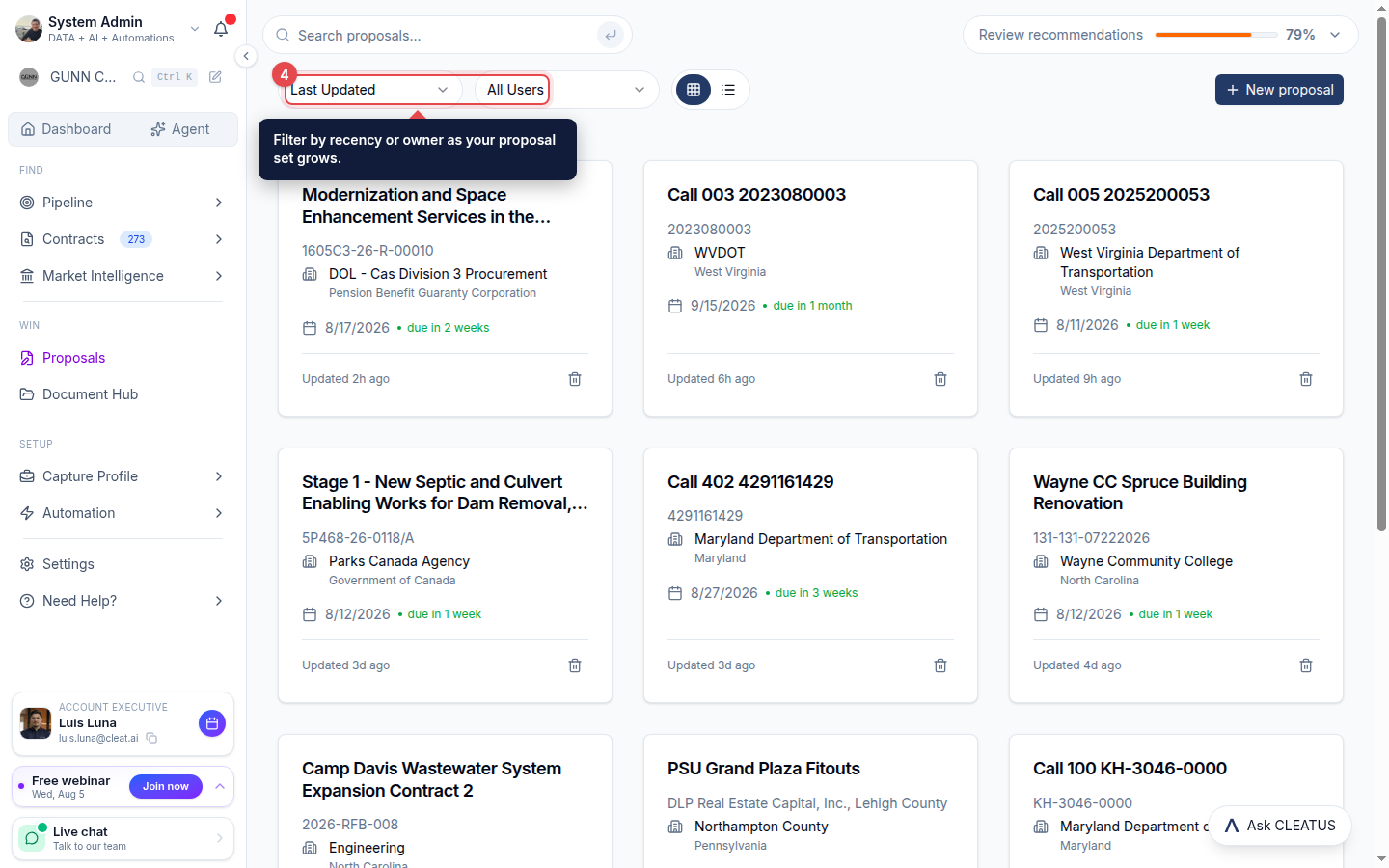
Sort by Last Updated or filter by owner to find the proposal you need as your set grows, then export or share a finished one to move it into your submission process.
Tip:
The more complete your company profile and documents, the stronger the first draft.