
Writing a Proposal
Work with the AI writer inside a draft, from the guided plan to tracked changes.
The proposal writer is where a draft becomes a submission. This guide shows you how the writer workspace is organized, how the writer moves the work forward, and how to steer it.
Or just ask CLEATUS
Draft the past performance volume for my current pursuit
Write your proposal
Open a draft in the writer
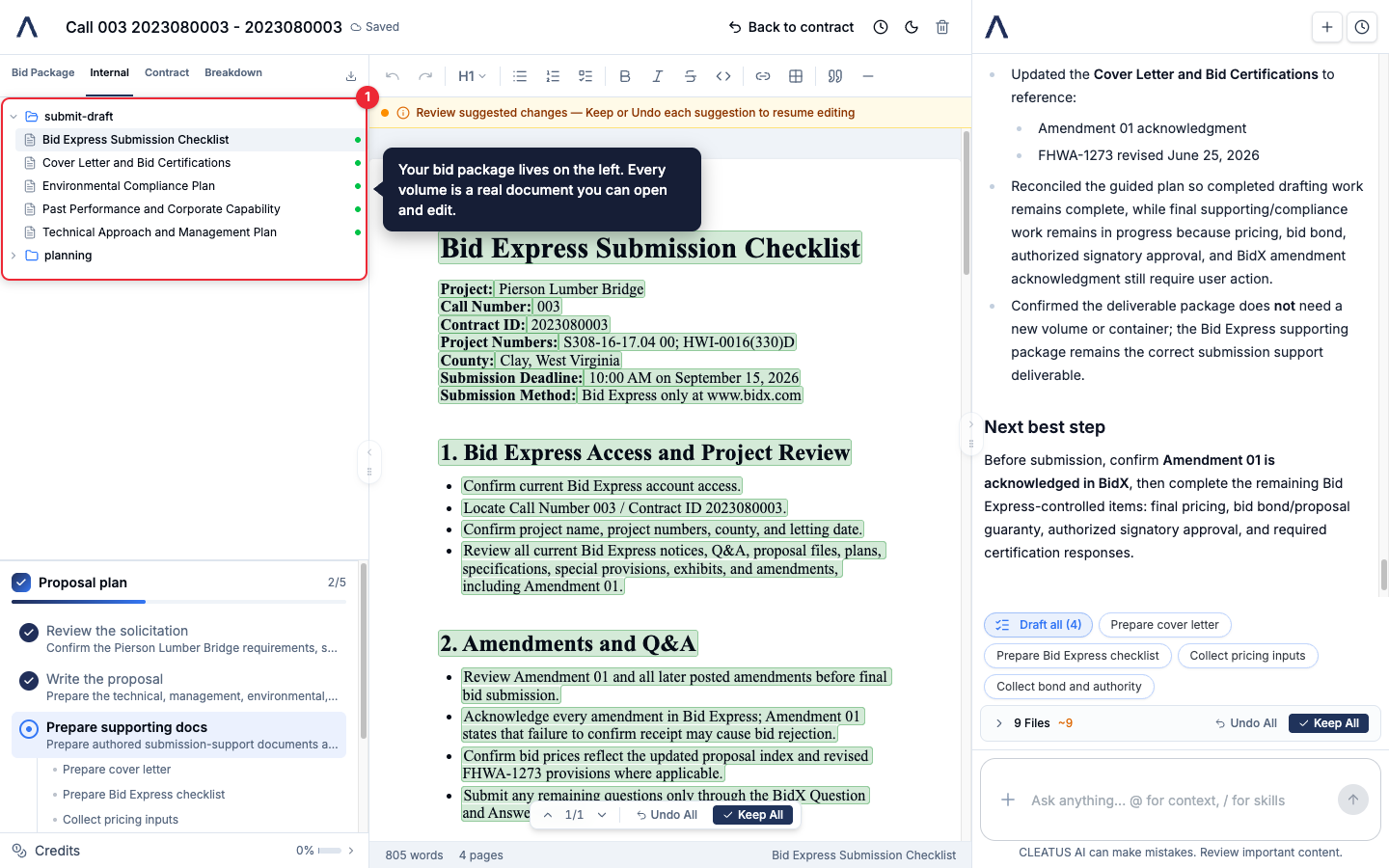
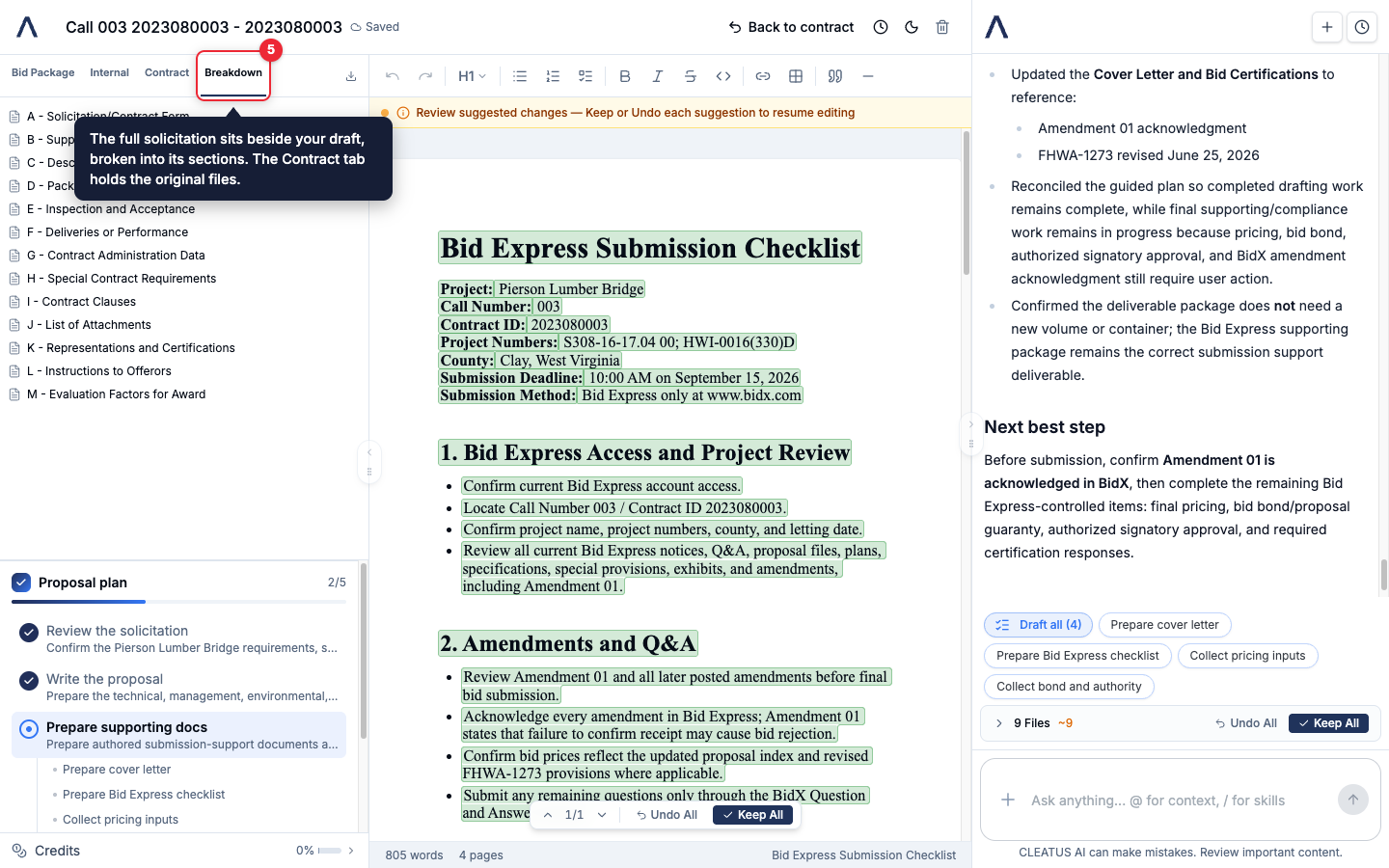
Open a proposal from Proposals or from a pursuit in your pipeline. Your bid package sits on the left. Every volume is a real document you can open and edit.
Follow the proposal plan
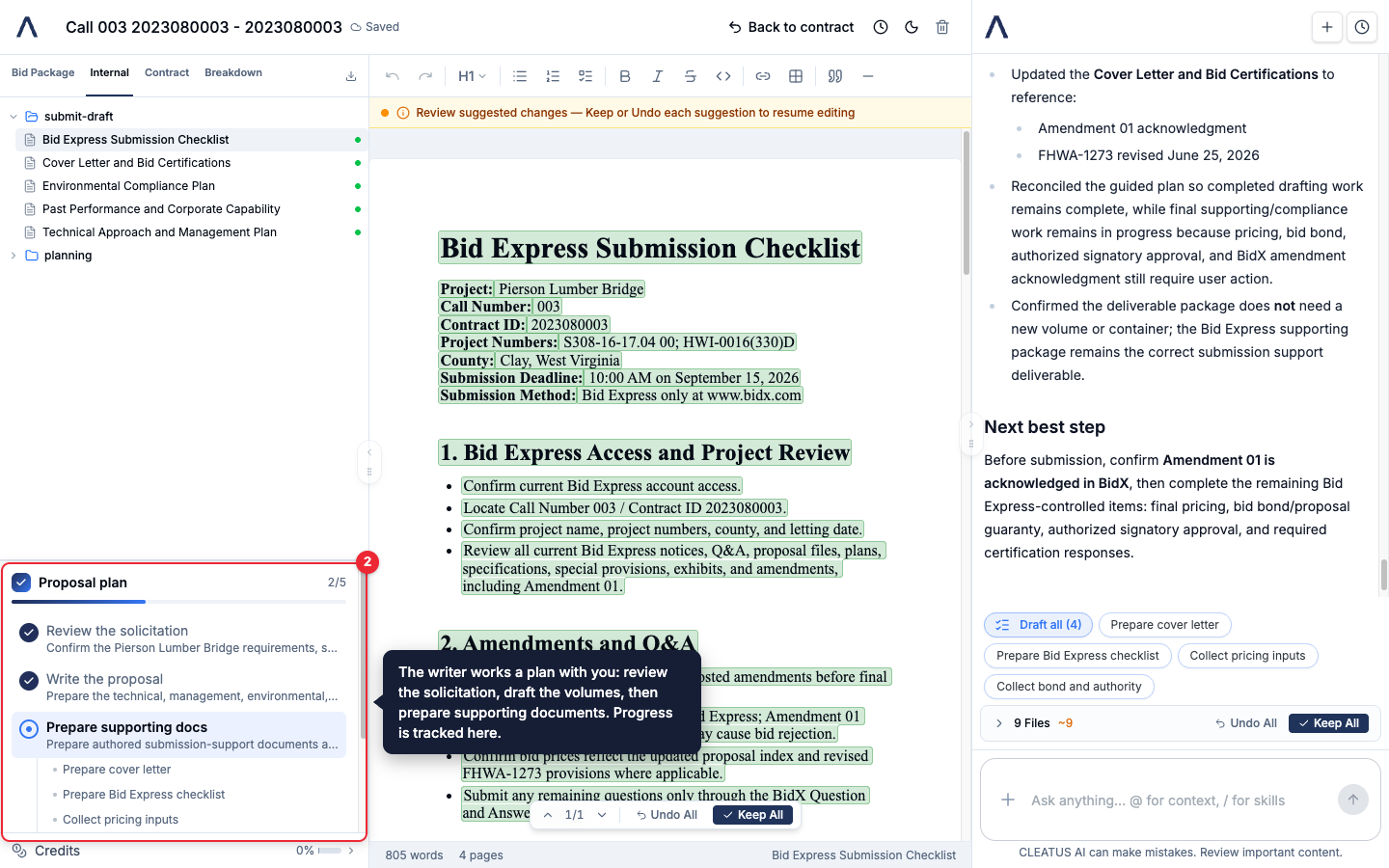
The writer works a plan with you: review the solicitation, draft the volumes, then prepare supporting documents. The plan card tracks progress so you always know what comes next.
Review suggested changes
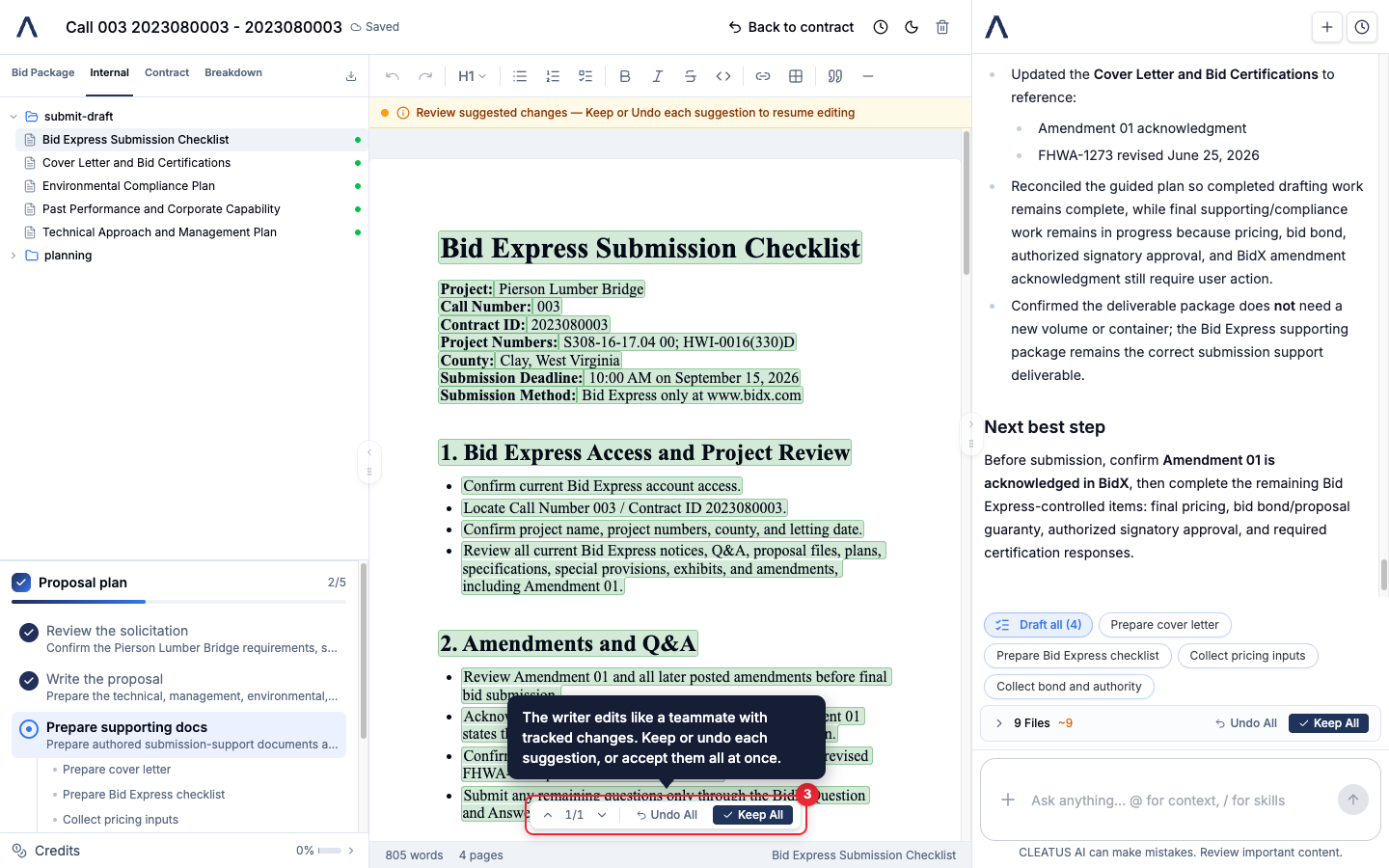
The writer edits like a teammate with tracked changes. Each suggestion is highlighted in the document. Keep or undo them one at a time, or accept them all at once.
Ask for what you need next
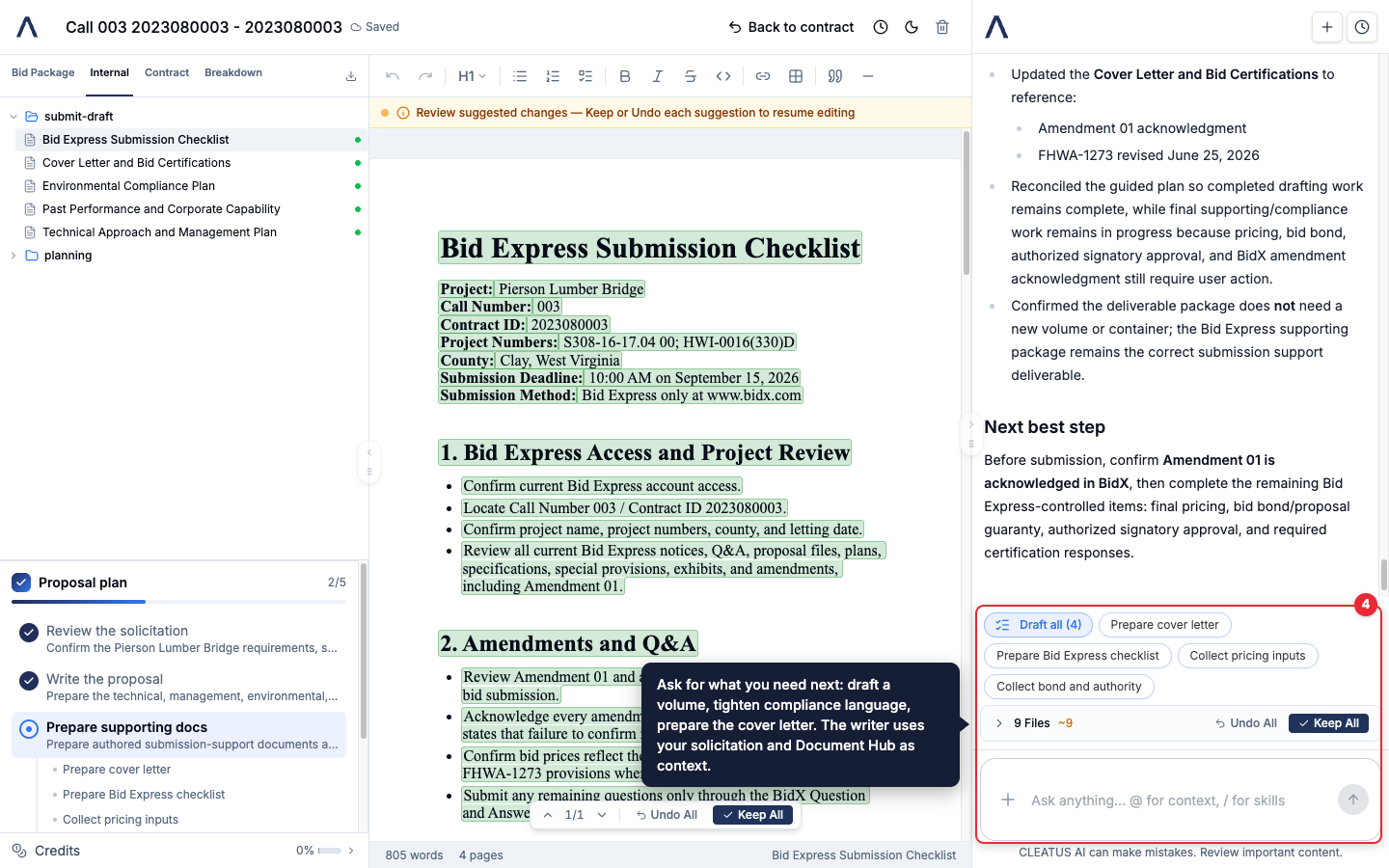
Use the chat or the quick actions to direct the writer: draft a volume, tighten compliance language, prepare the cover letter. It writes with your solicitation and Document Hub materials as context.
Work against the solicitation
The Breakdown tab splits the full solicitation into its sections, right beside your draft. The Contract tab holds the original files. When the package is ready, export it from the top of the file tree.
Tip:
The writer drafts from your company profile and Document Hub. Upload past performance and capability documents before you start, and the first draft lands much closer to done.