
Free PDF Form Filler
Choose a catalog form or upload your PDF, fill the fields, and export your completed copy.
Drag your PDF here or click to browse
PDF files only • Max 50MB
Federal proposal forms
5 form families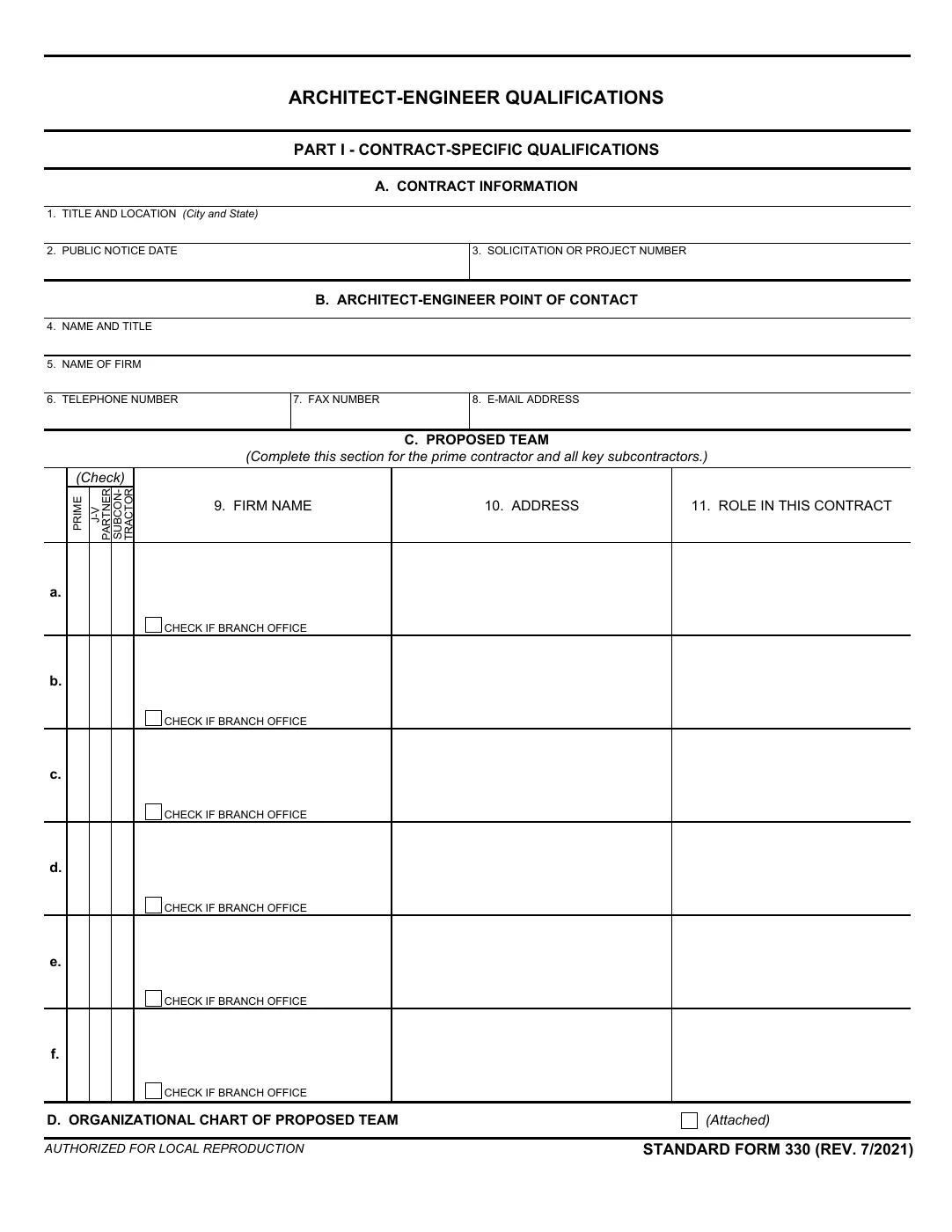
Qualifications
SF 330
Architect-Engineer Qualifications
Prepare your architect-engineer qualifications, project examples, and team resumes for a federal submission.
Commercial offers
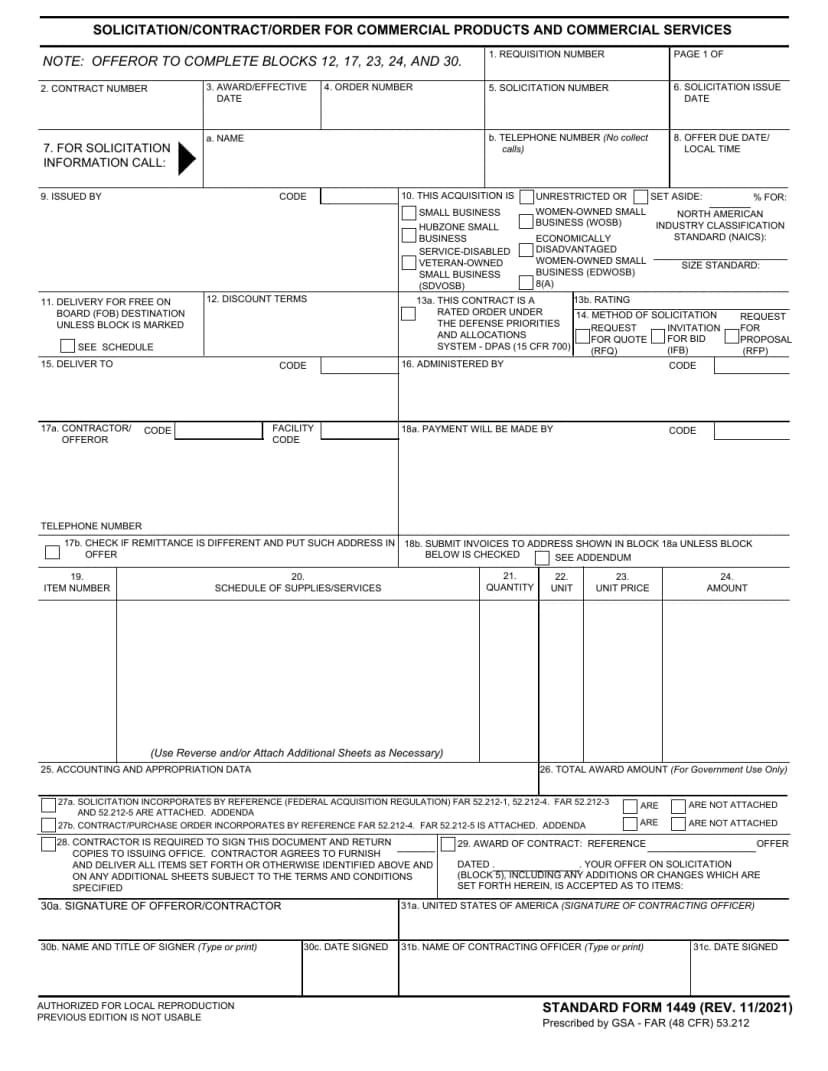
SF 1449
Solicitation/Contract/Order for Commercial Products and Commercial Services
Complete the contractor’s offer for commercial products and services, with guidance on pricing and signature blocks.
Solicitation response
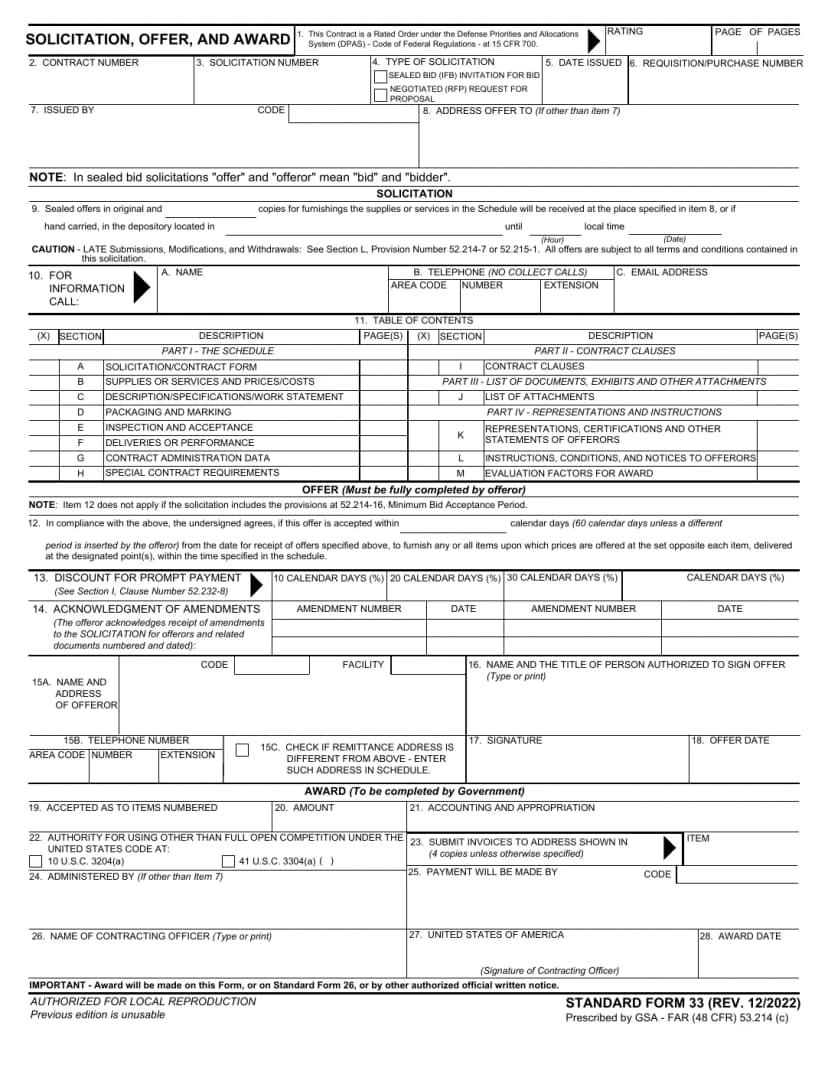
SF 33
Solicitation, Offer, and Award
Prepare the offer section, acceptance period, amendment acknowledgments, and authorized signature.
Construction bids
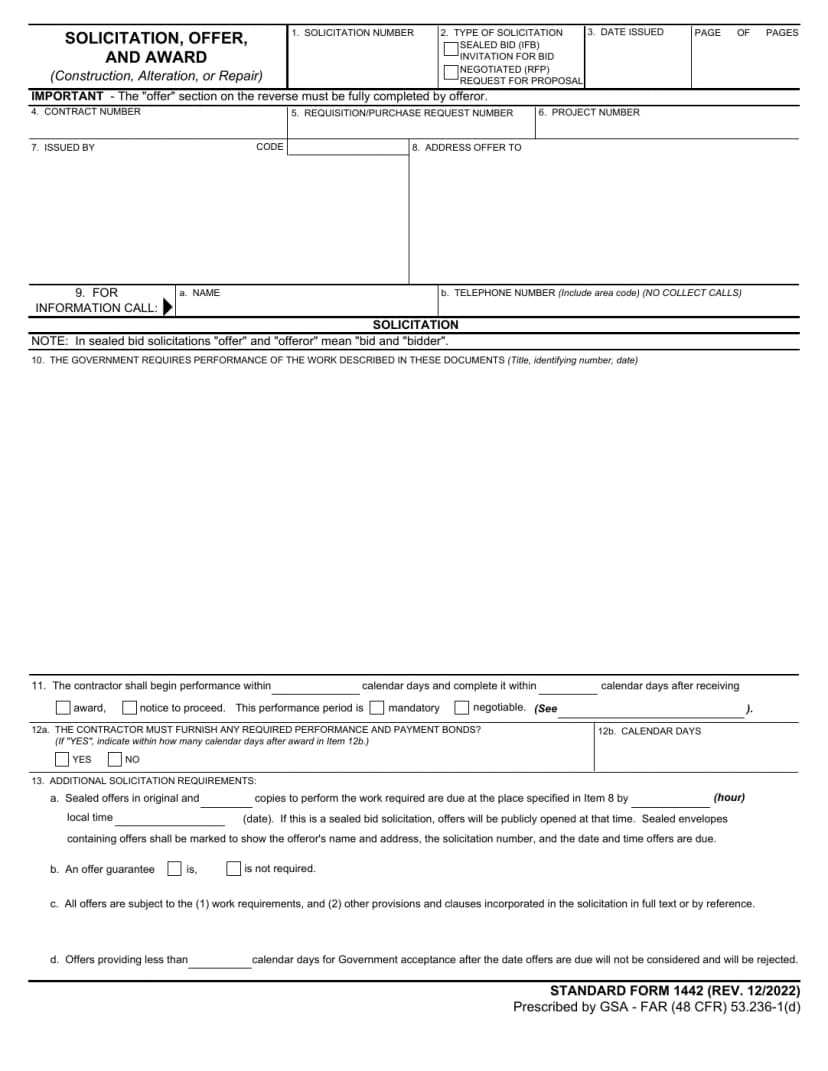
SF 1442
Solicitation, Offer, and Award (Construction, Alteration, or Repair)
Prepare a construction offer with the requested price, acceptance period, and amendment acknowledgments.
Amendments
SF 30
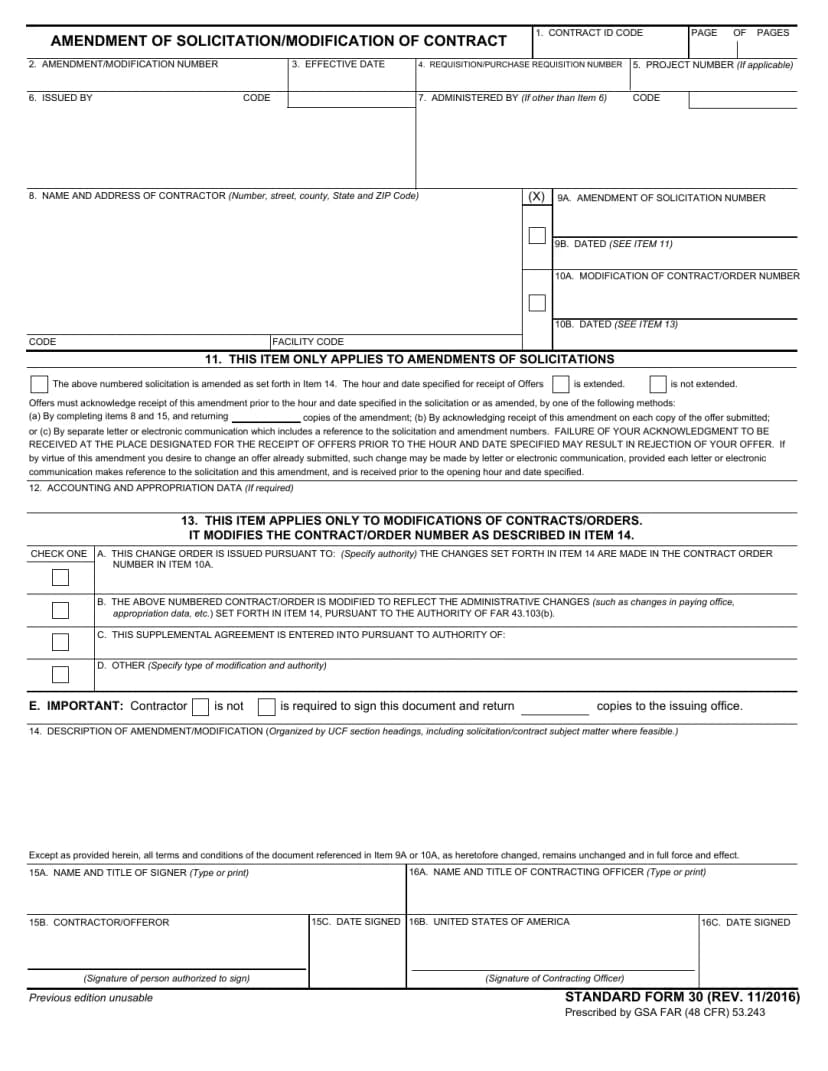
Amendment of Solicitation/Modification of Contract
Read an amendment, identify its acknowledgment instructions, and update the affected parts of your offer.
Official originals from the General Services Administration, with independent CLEATUS guidance and fictional examples. Follow your solicitation’s instructions.

How it works
1) Choose or upload
Choose an official form below or upload your own PDF. The tool identifies interactive fields for faster completion.
2) Fill + map
Auto-detected fields can be filled quickly, and manual placement is available when a form needs extra precision.
3) Export confidently
Export a completed PDF in your browser once values are entered, with no hidden charges or upgrade wall required.
Who this is for
- Built for federal and commercial proposal workflows with high-volume forms in mind.
- Designed for document-heavy teams that need predictable, repeatable submissions.
- No templates required — use the actual PDFs your team already submits.

Frequently Asked Questions
Fill Faster, Submit Smarter
Automate PDF form completion and reduce errors across your proposals and submissions
Drag-and-drop PDFs with a fast preview flow
Auto-detect form fields for quick data entry
Manually add and place fields where needed
Export ready-to-submit completed PDFs


Join 750+ contractors already using CLEATUS