
Inviting Your Team
Collaborate on a shared pipeline with teammates.
CLEATUS is built for teams, so you can pursue work together on one shared pipeline instead of trading spreadsheets. This guide shows you how to invite teammates into your workspace.
Invite a teammate
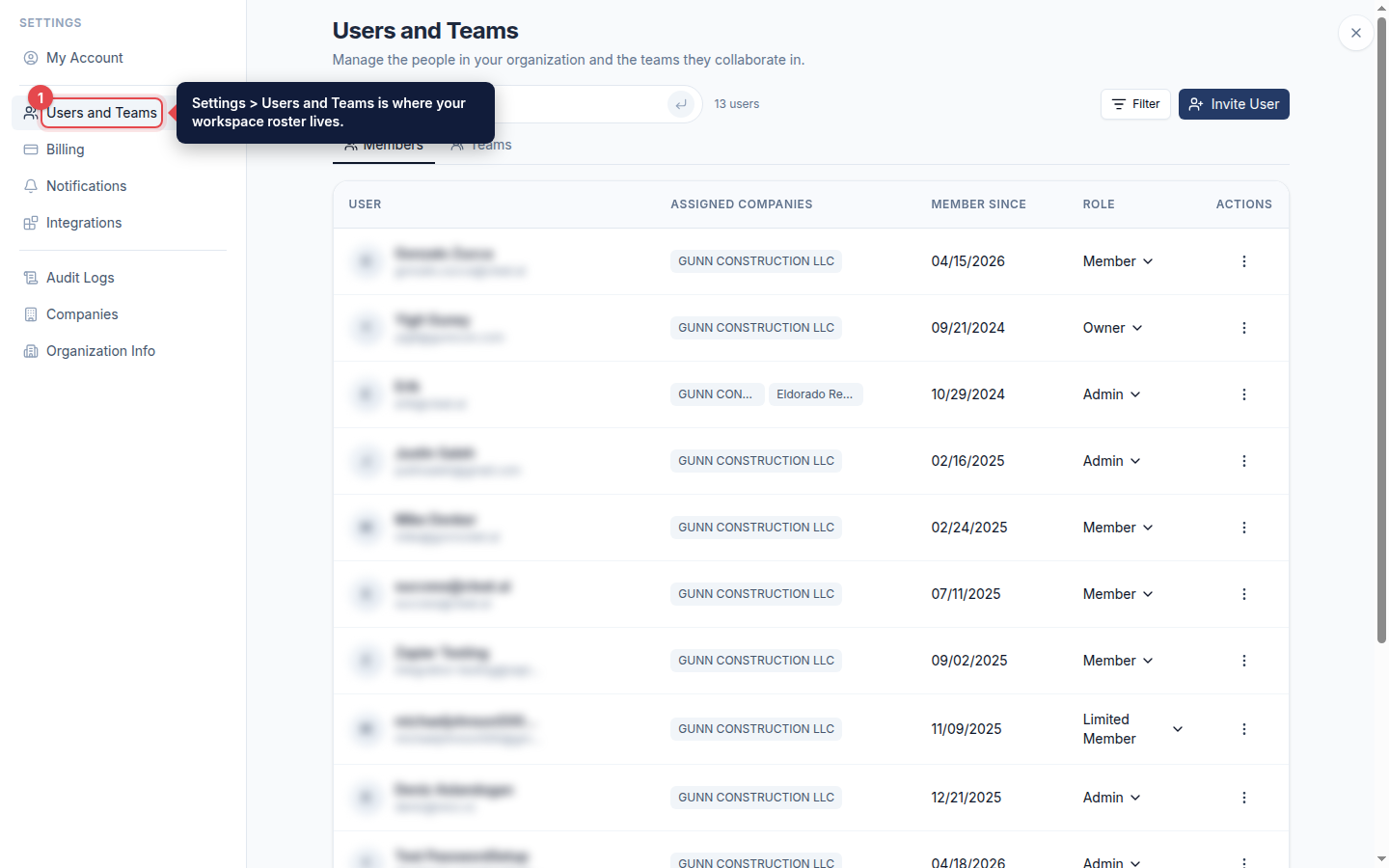
Open Users and Teams
Open Settings from the sidebar, then Users and Teams, to manage everyone in your organization.
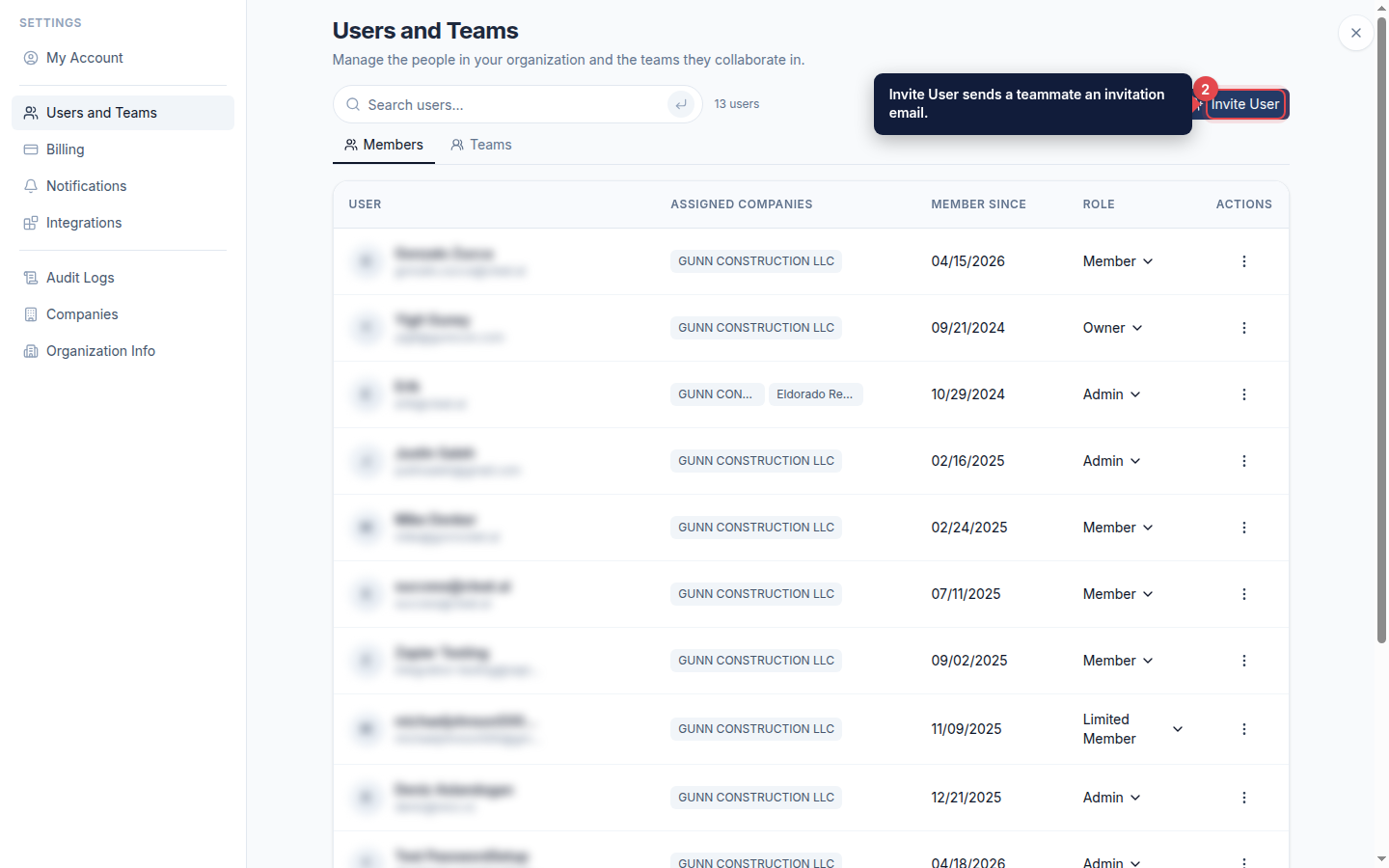
Start an invitation
Click Invite User to add a new team member to your organization.
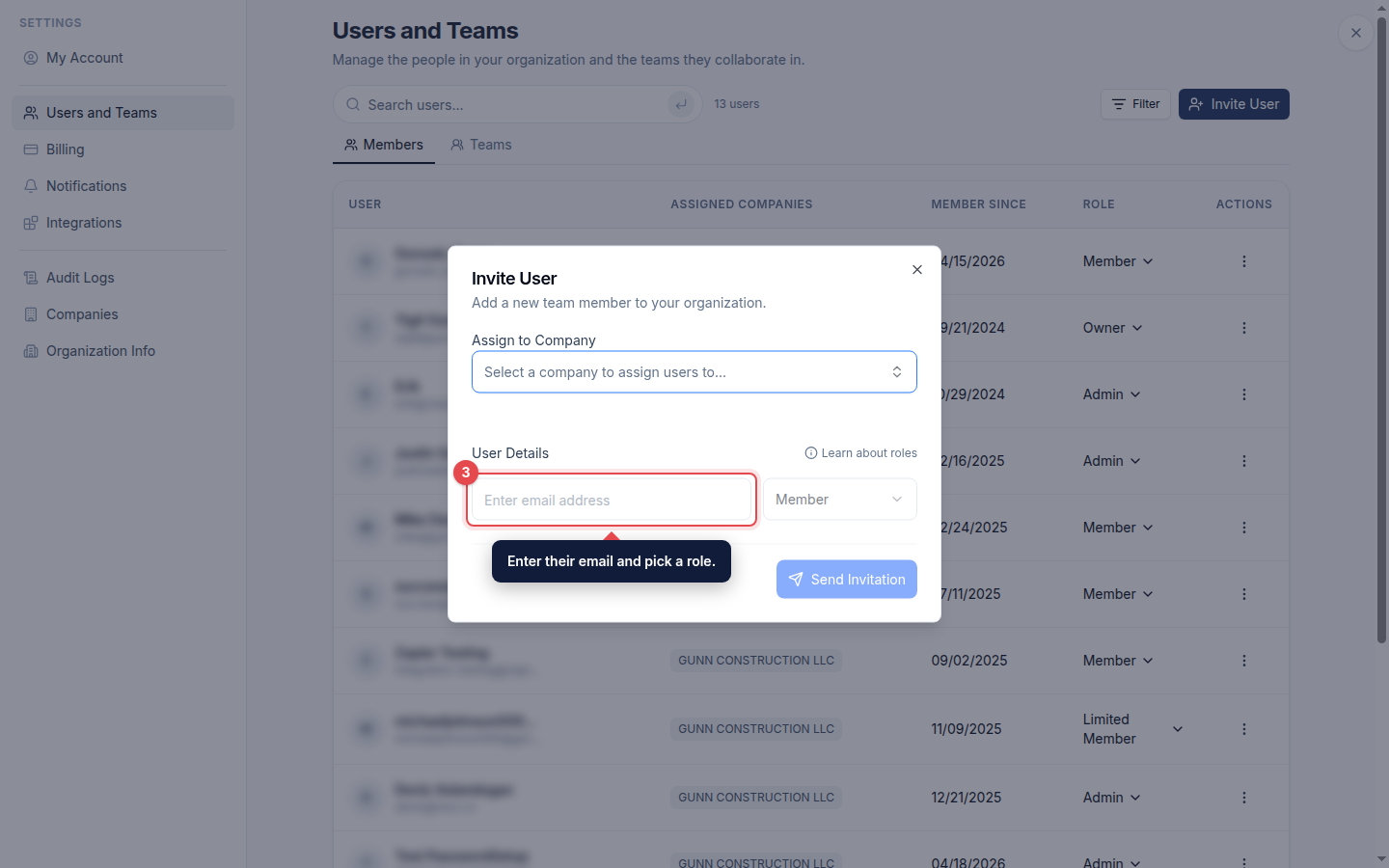
Send the invitation
Enter your teammate email address, pick their role, assign them to a company, and click Send Invitation. They join your workspace once they accept.
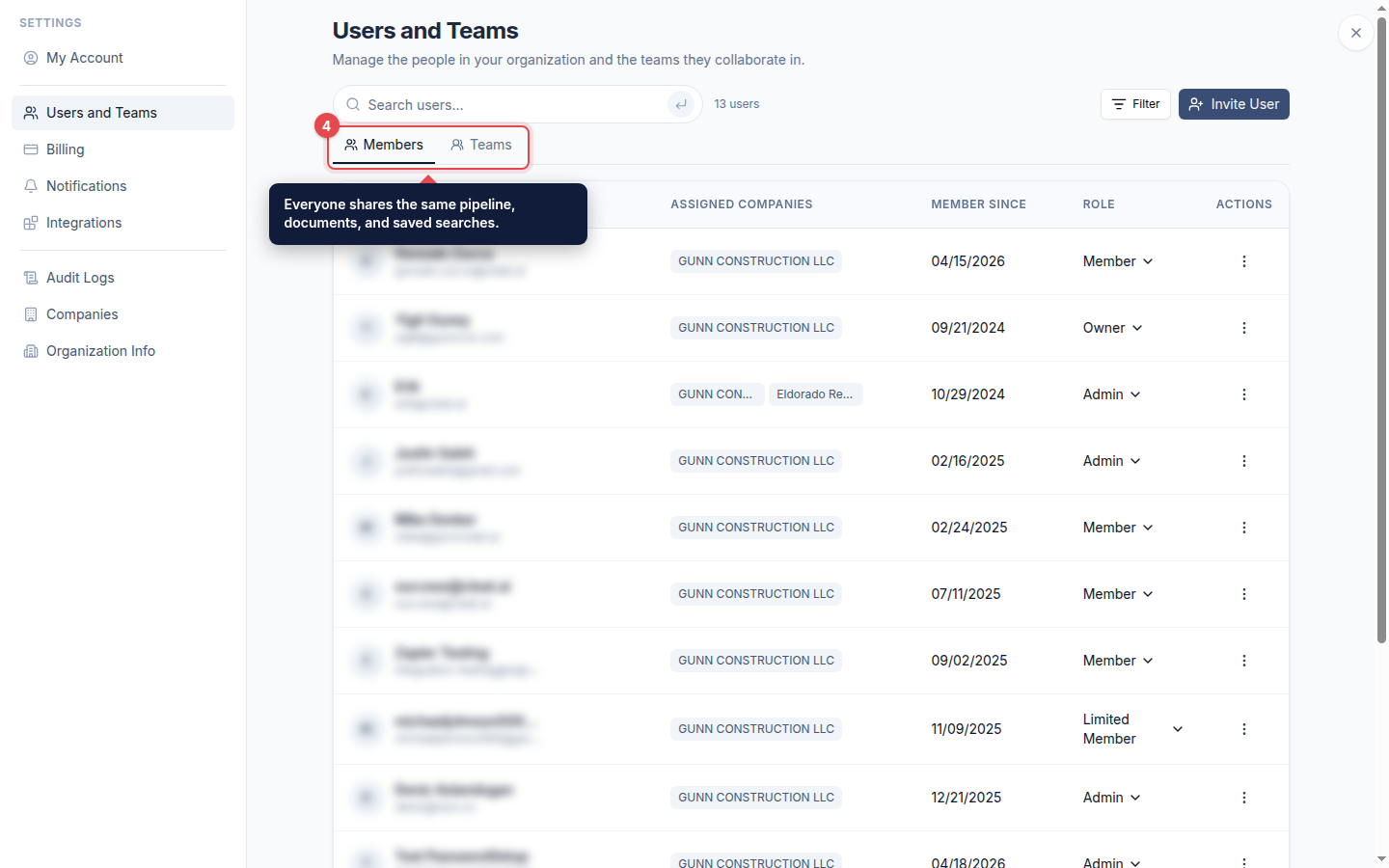
Divide and conquer
Use Members and Teams to organize who works on what. Everyone shares the same pipeline, documents, and saved searches, so your team can split the work and pursue more opportunities together.
Good to know:
Available seats depend on your plan. See Adding Users.