
Filtering Your Search
Narrow results with NAICS codes, set-asides, agencies, and location.
Filters let you cut a broad search down to the opportunities that actually fit your business. This guide shows you how to stack filters to zero in on the right work.
Or just ask CLEATUS
Narrow those results to small business set-asides under $5M in NAICS 236220
Before you start:
Filtering picks up where searching leaves off, so start from Searching for Contracts if you have not run a search yet.
Narrow your results
Apply a quick filter
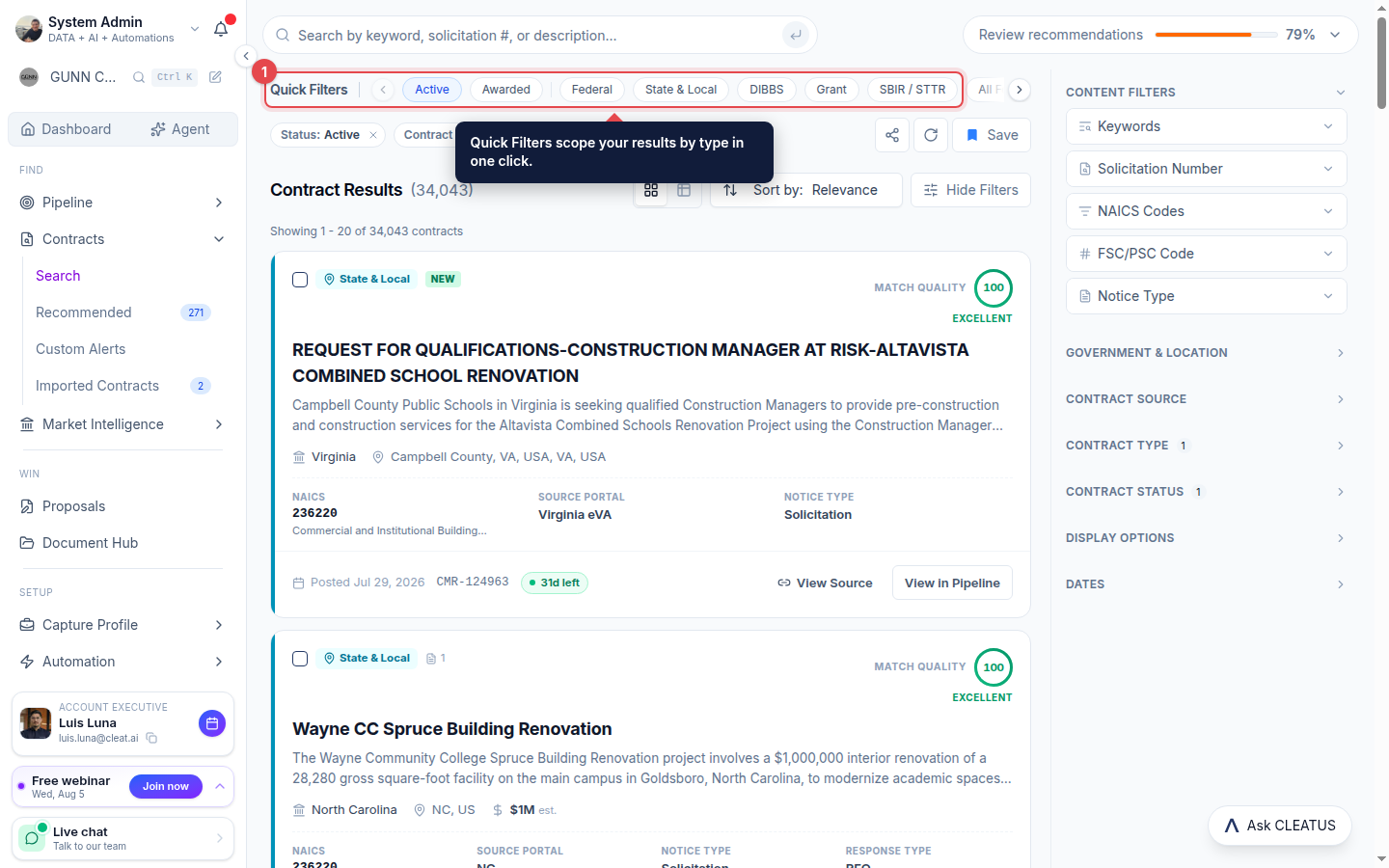
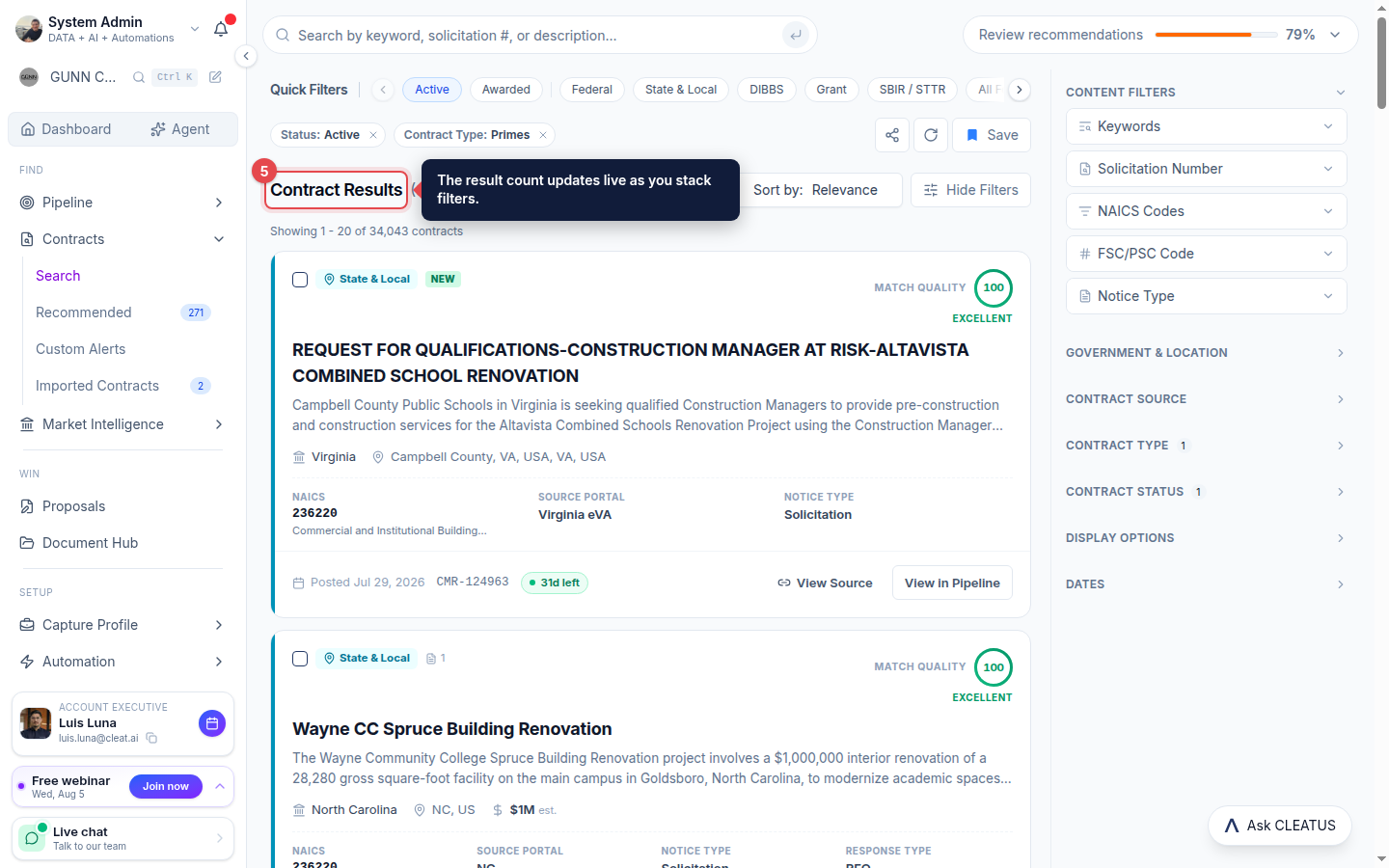
Start from Contract Search and use the Quick Filters row for one-click scopes like Active, Awarded, Federal, State & Local, DIBBS, Grant, and SBIR / STTR.
Open the Content Filters panel
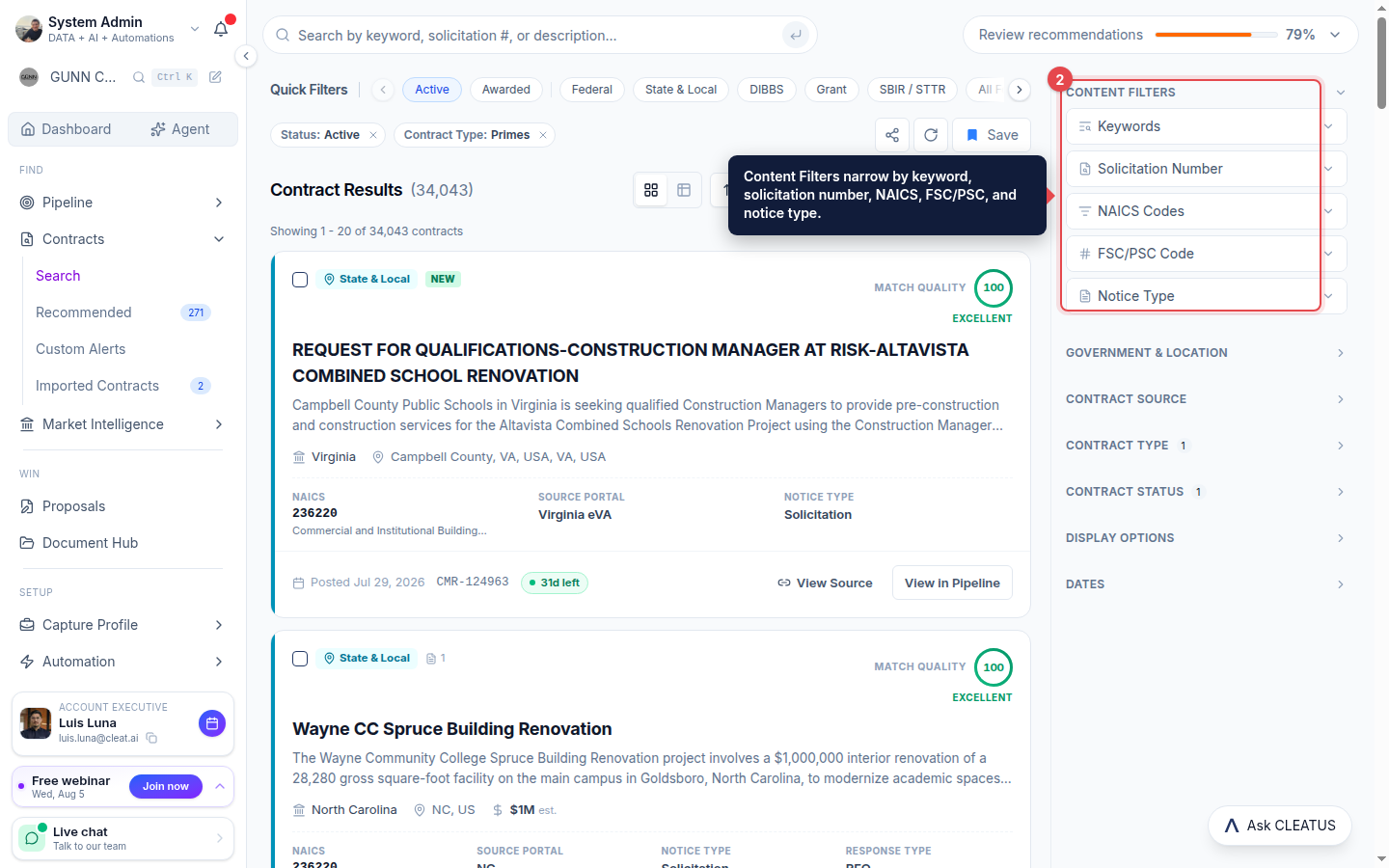
Use the Content Filters panel on the right to filter by Keywords, Solicitation Number, NAICS Codes, FSC/PSC Code, and Notice Type.
Add government and location filters
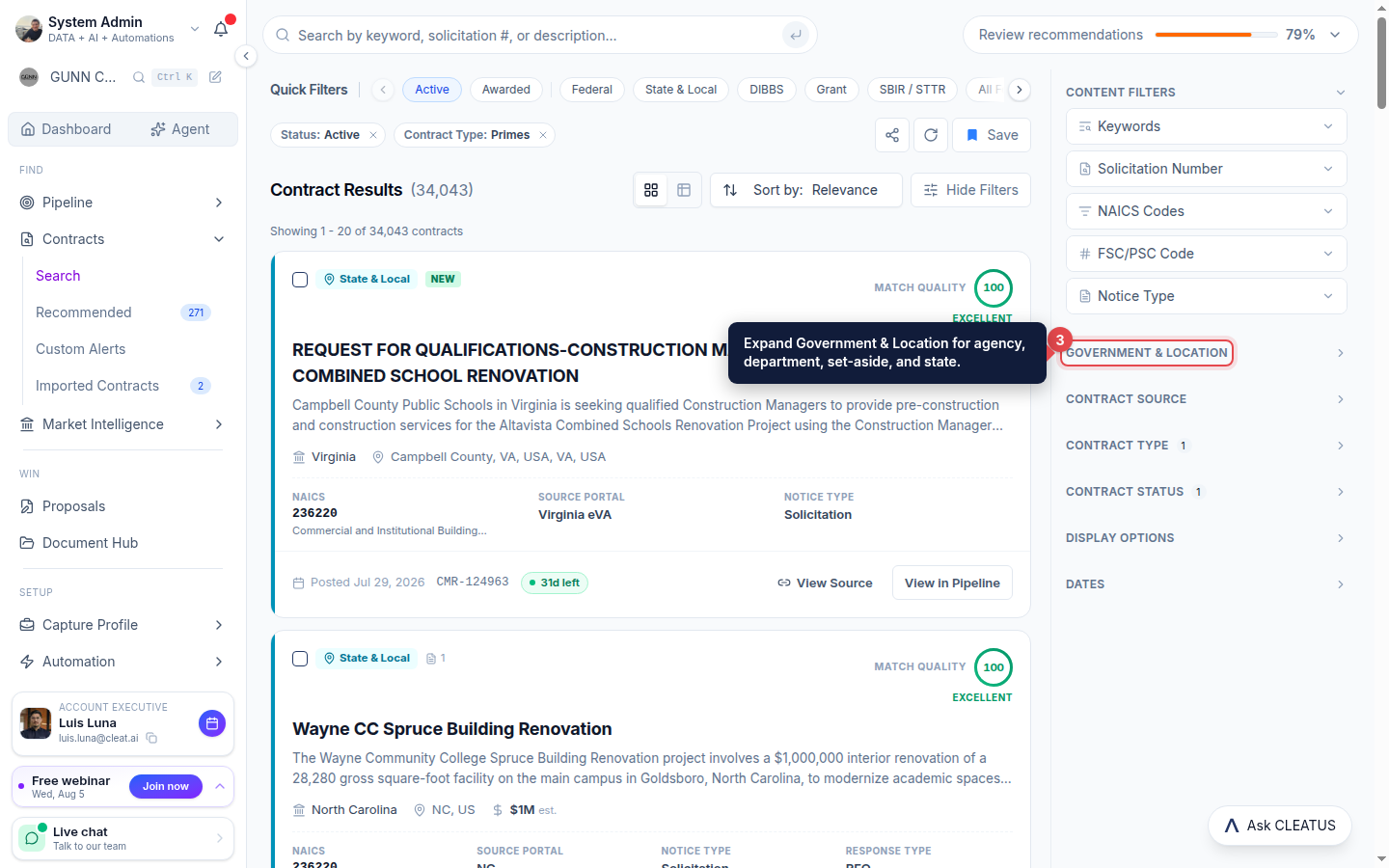
Expand Government & Location to filter by Agency, Department, Set-Aside Programs, Locations, and States.
Remove a filter
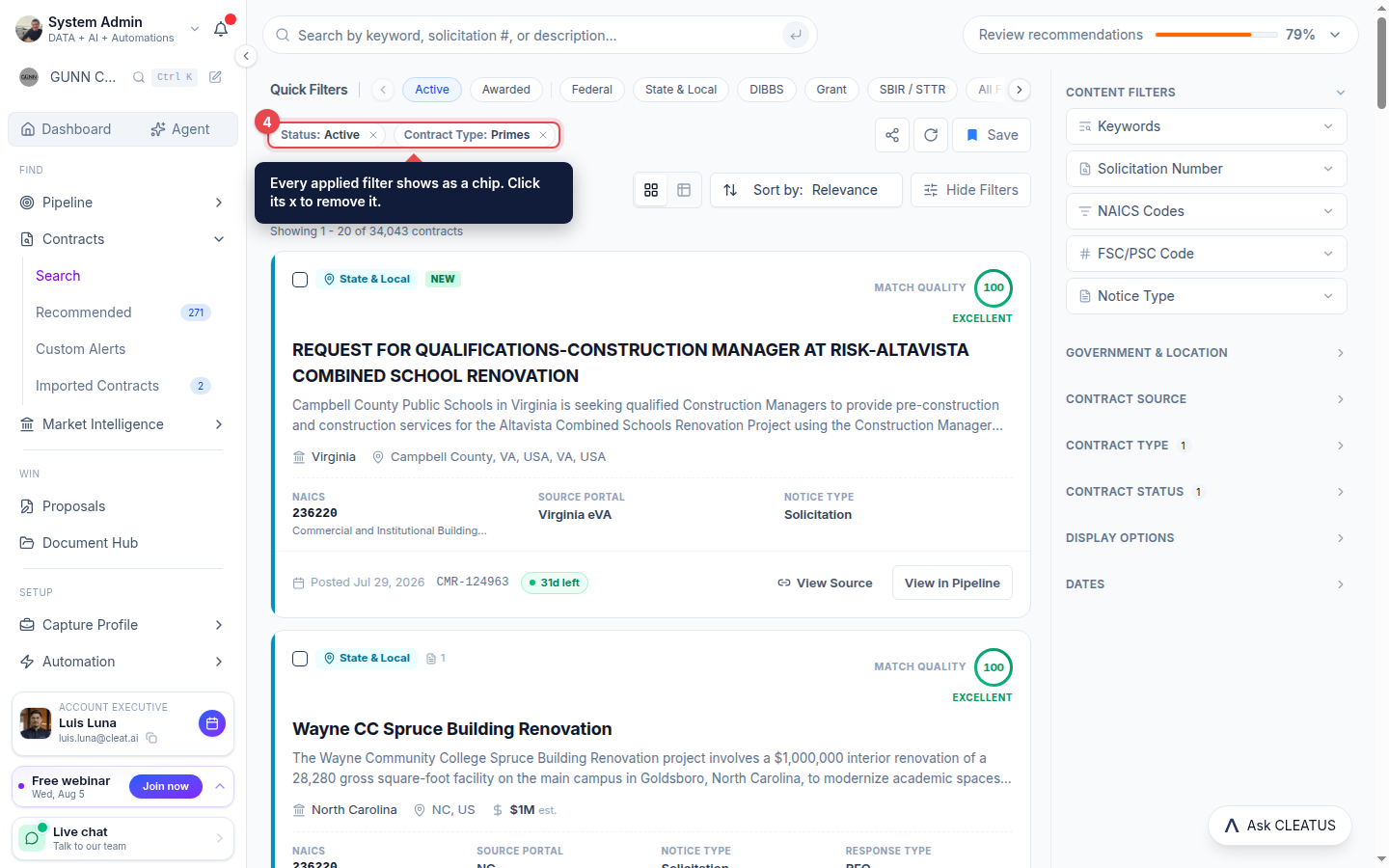
Applied filters appear as chips above the results. Click the x on any chip to remove that filter.
Combine filters
Combine as many filters as you like. The result count updates live as you add or remove each one.
Tip:
Keyword filters support include and exclude logic, so you can cut noise as well as add it.