
Searching for Contracts
Find opportunities by keyword, solicitation number, agency, and more.
CLEATUS Contract Search lets you explore every active federal, state, local, and education solicitation in one place. This guide walks you through a search, step by step, so you can go from a keyword to a saved alert in a couple of minutes.
Or just ask CLEATUS
Find active building maintenance solicitations in Virginia posted in the last 30 days
Before you start:
Contract Search works best once your company profile is filled in, so CLEATUS can score each result against your strengths.
Run a search
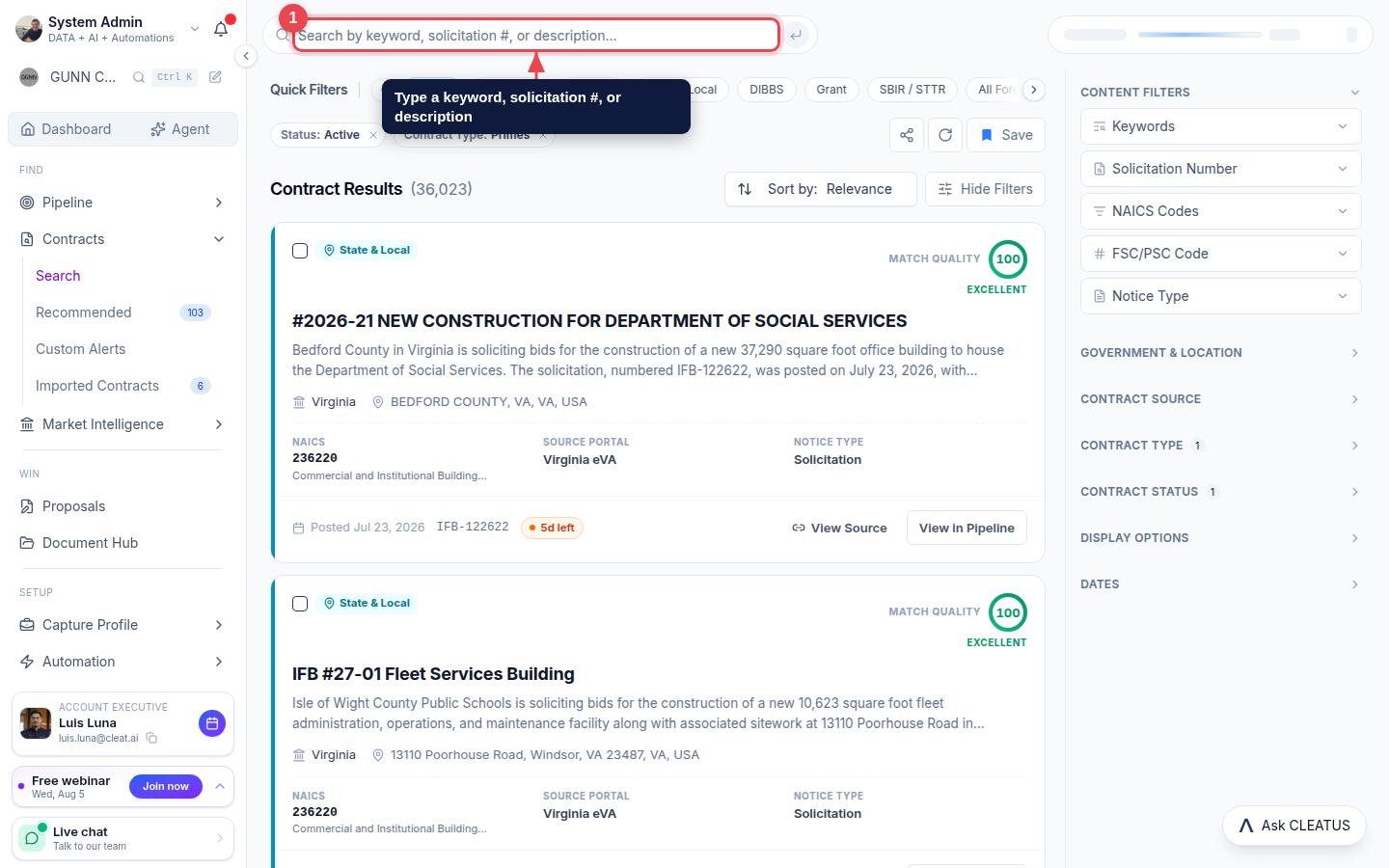
Enter what you are looking for
From the left sidebar, open Contracts > Search. Type a keyword, solicitation number, or short description into the search bar and press Enter. CLEATUS searches the full text of every solicitation, not just titles.
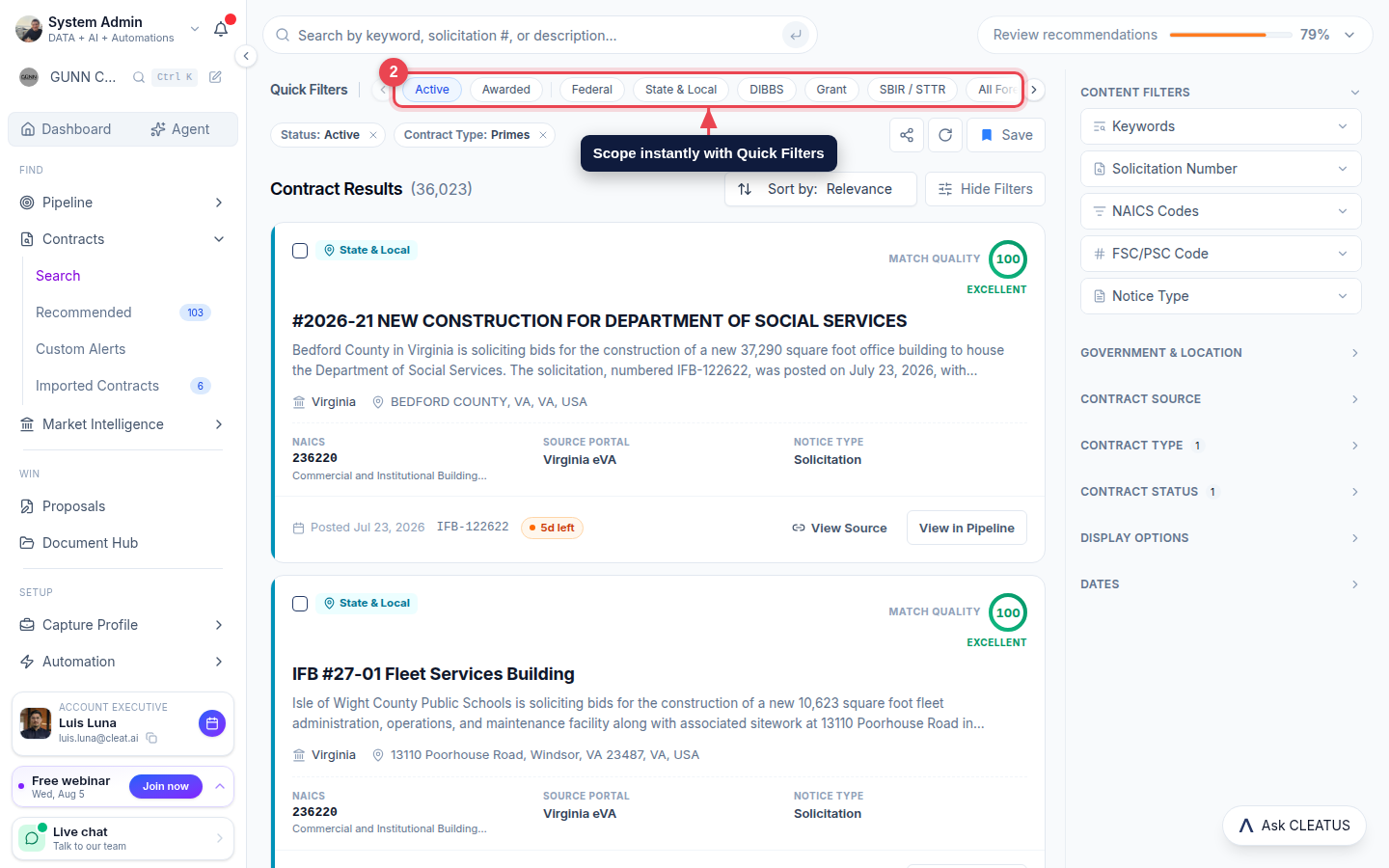
Scope with Quick Filters
Use the Quick Filters row to instantly narrow to what matters: Active, Awarded, Federal, State & Local, DIBBS, Grant, SBIR / STTR, and more.
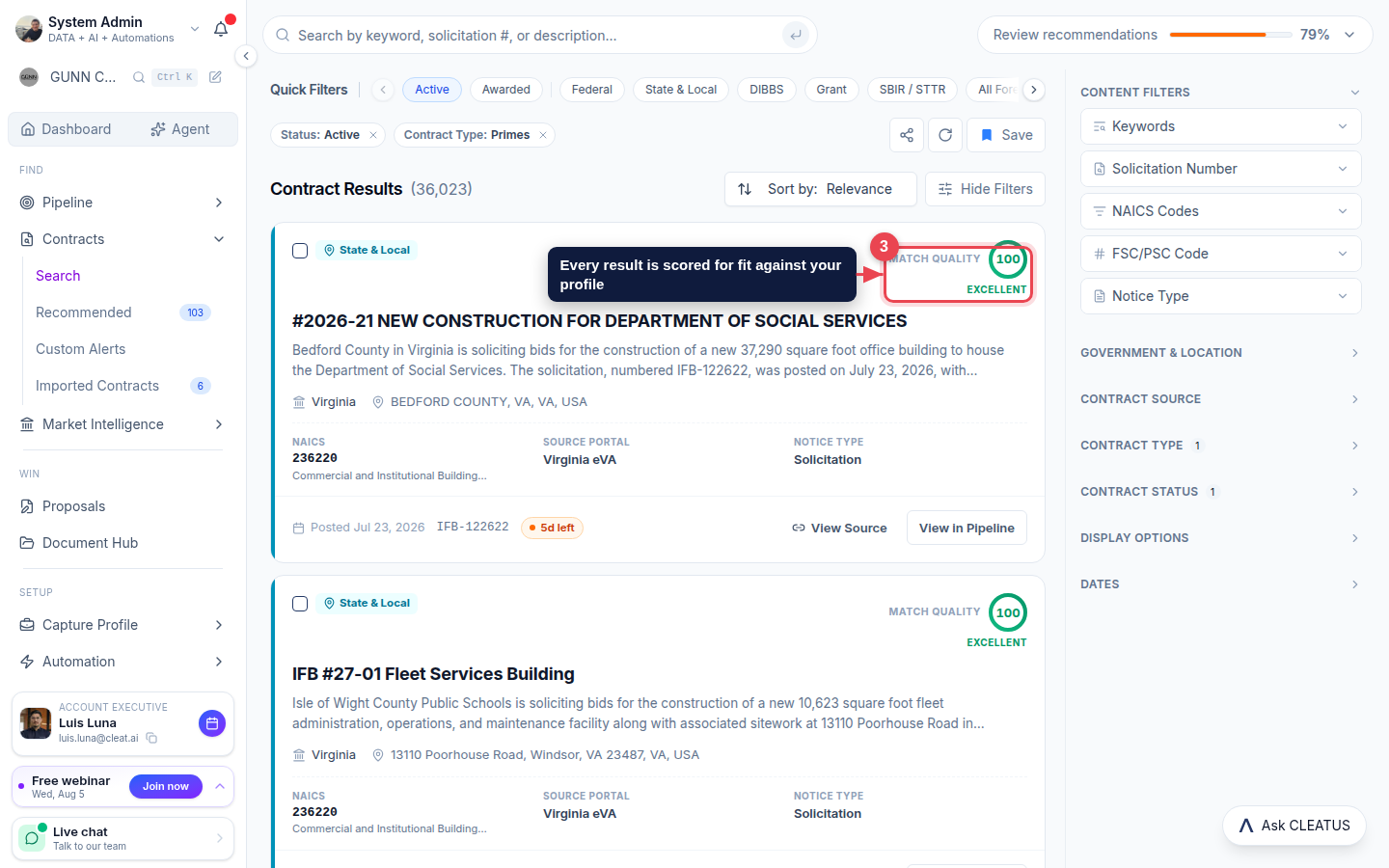
Read the Match Quality score
Every result card shows a Match Quality score. It reflects how well the opportunity fits your capture profile, so the strongest fits rise to the top.
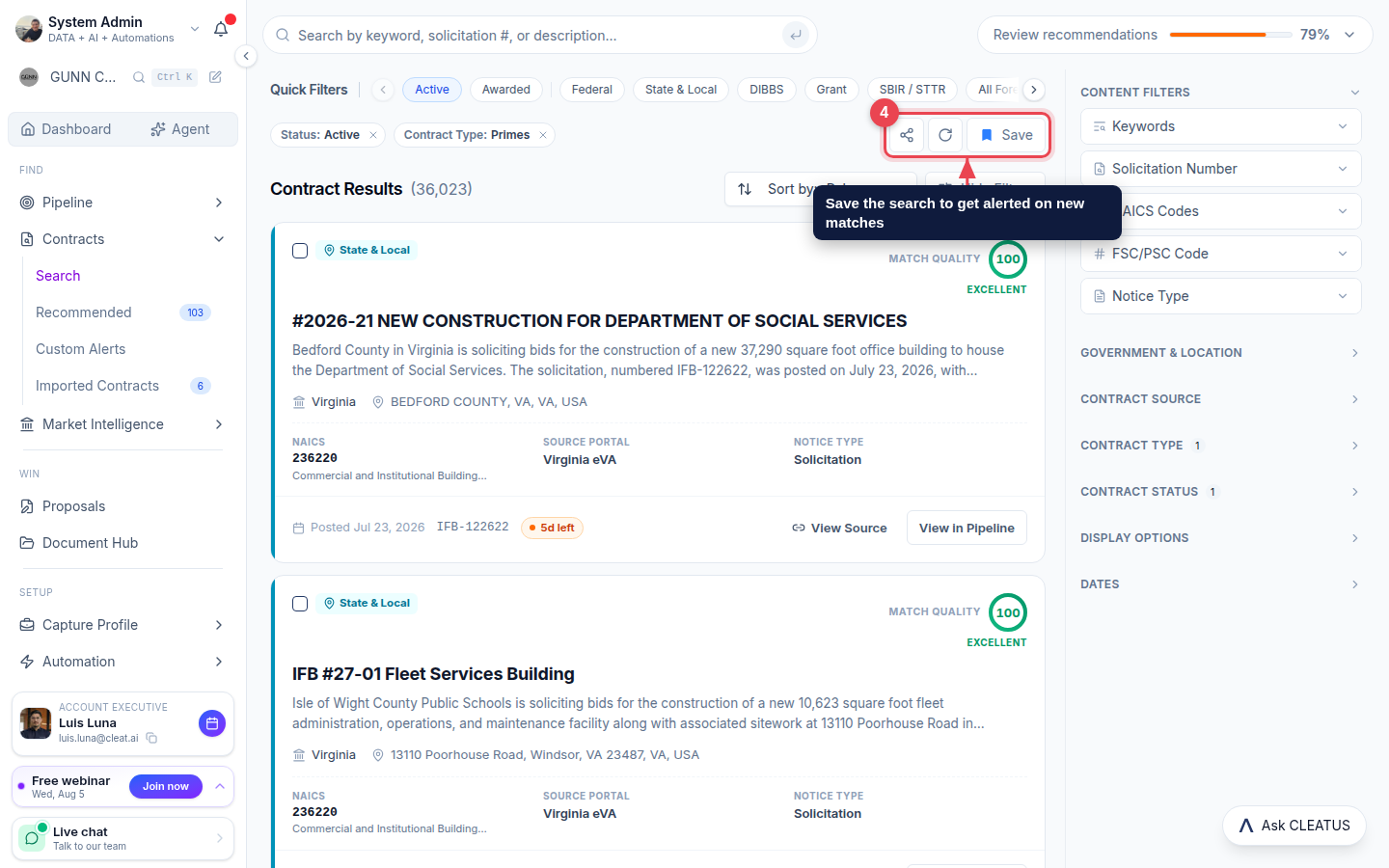
Save the search as an alert
Happy with a search? Click Save. CLEATUS turns it into a Custom Alert and notifies you the moment a new matching contract is posted.
Tip:
Want to open the full breakdown of a contract? Click any result card, or use View Source to open the original government notice.