
Reviewing Your Recommendations
Work the AI-matched feed and add the best fits to your pipeline.
Your Recommended feed is a steady stream of opportunities CLEATUS has matched to your business. This guide shows you how to work the feed and add the best fits to your pipeline.
Or just ask CLEATUS
Show my top recommendations this week and dismiss anything outside my service area
Dismissals teach the matching model either way, so the agent doing it counts the same as you doing it by hand.
Before you start:
Recommendations draw on your company profile, so the more complete it is, the better your matches.
Work the feed
Open your recommendations
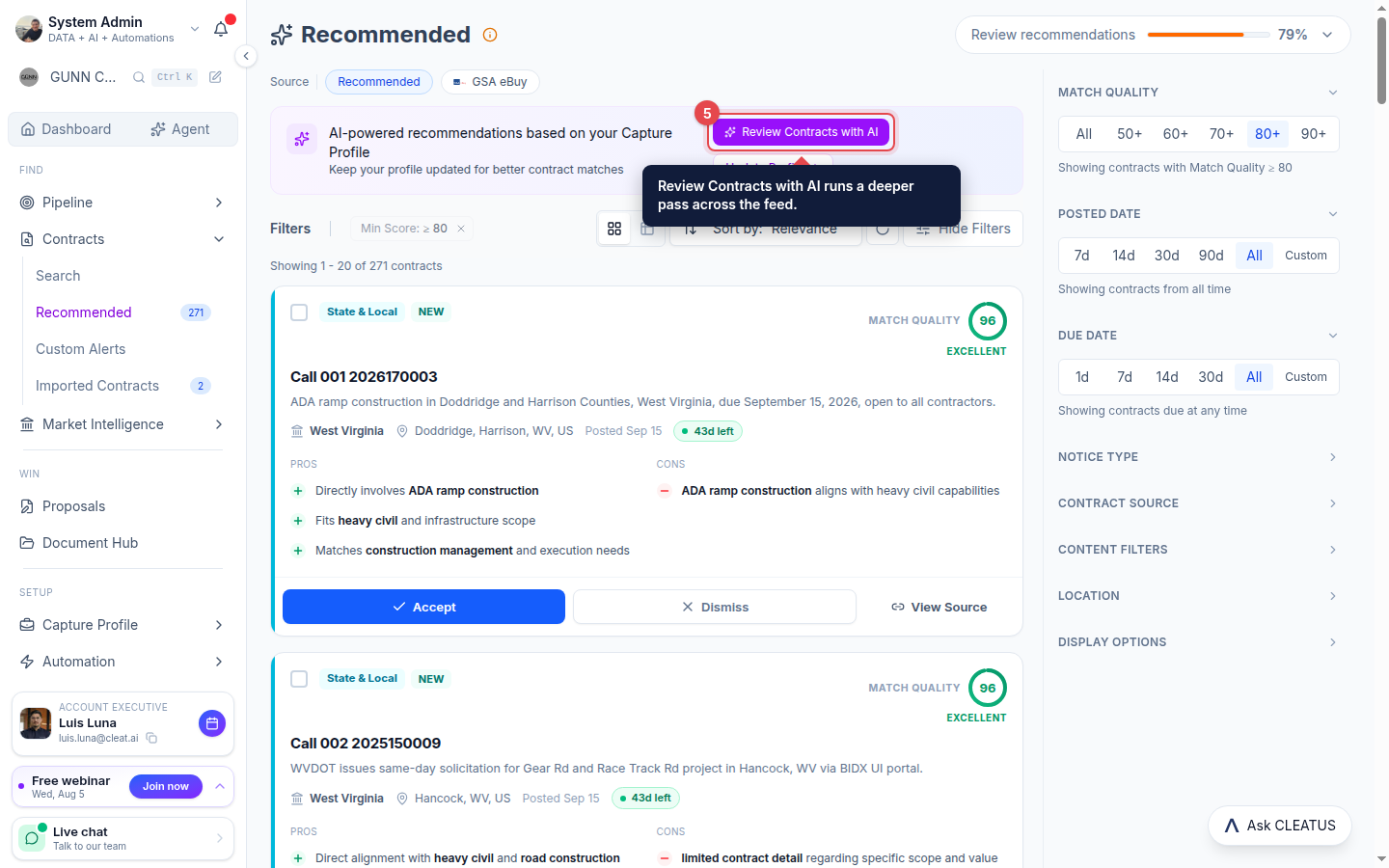
Go to Contracts > Recommended. CLEATUS matches opportunities to your capture profile, not just keywords.
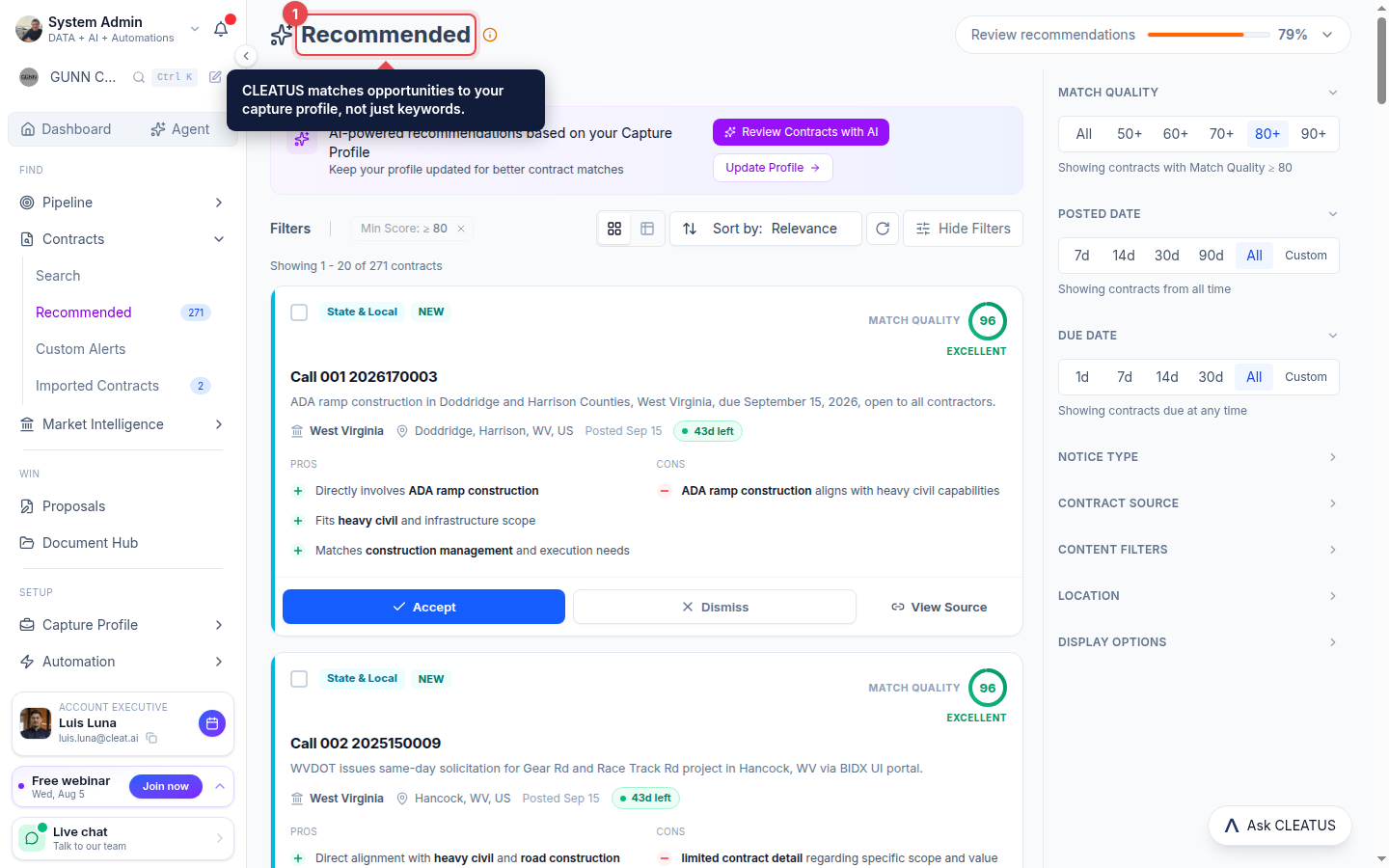
Read the Match Quality score
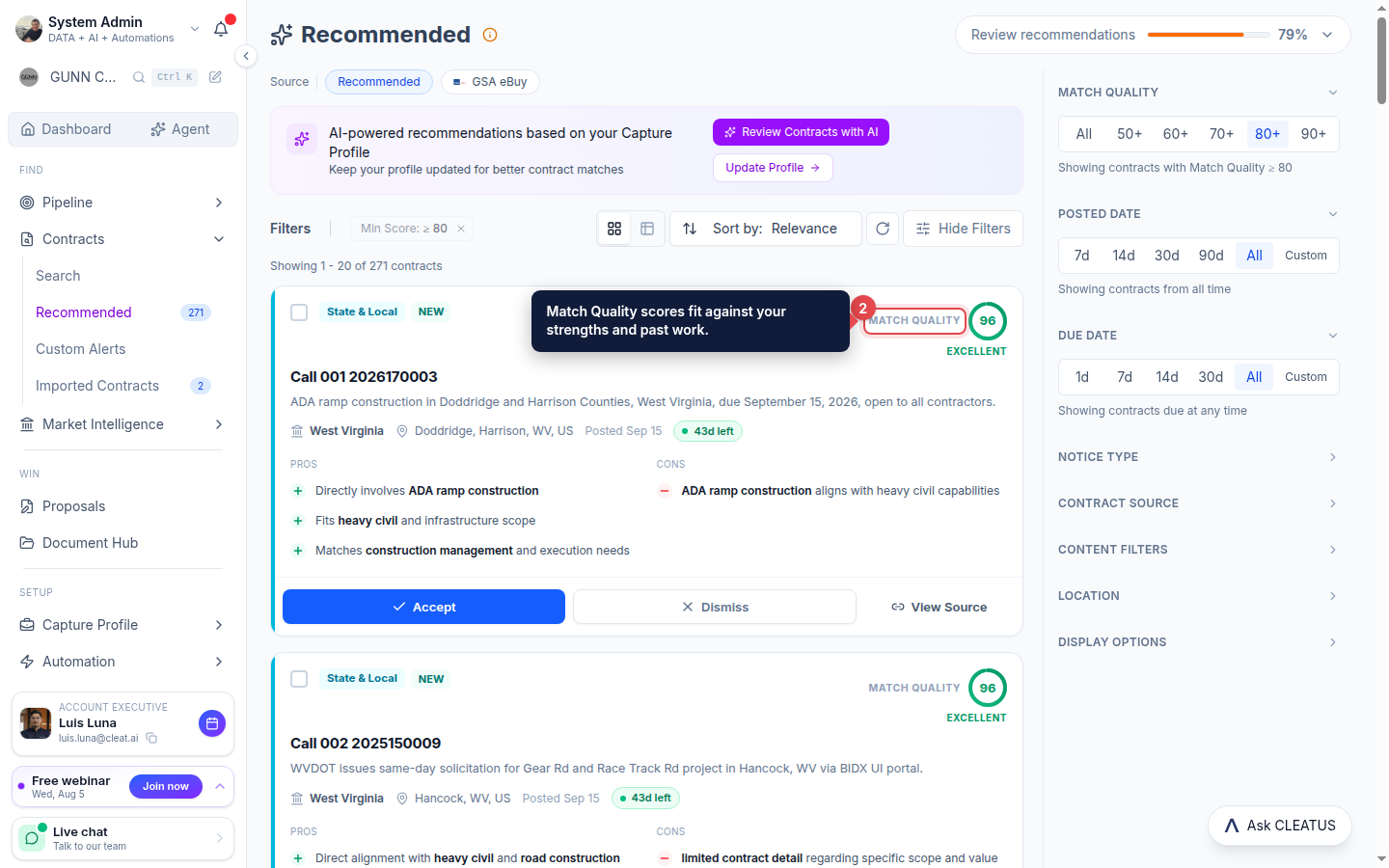
Each card shows a Match Quality score based on your strengths and past work, so you can size up a fit at a glance.
Accept or pass
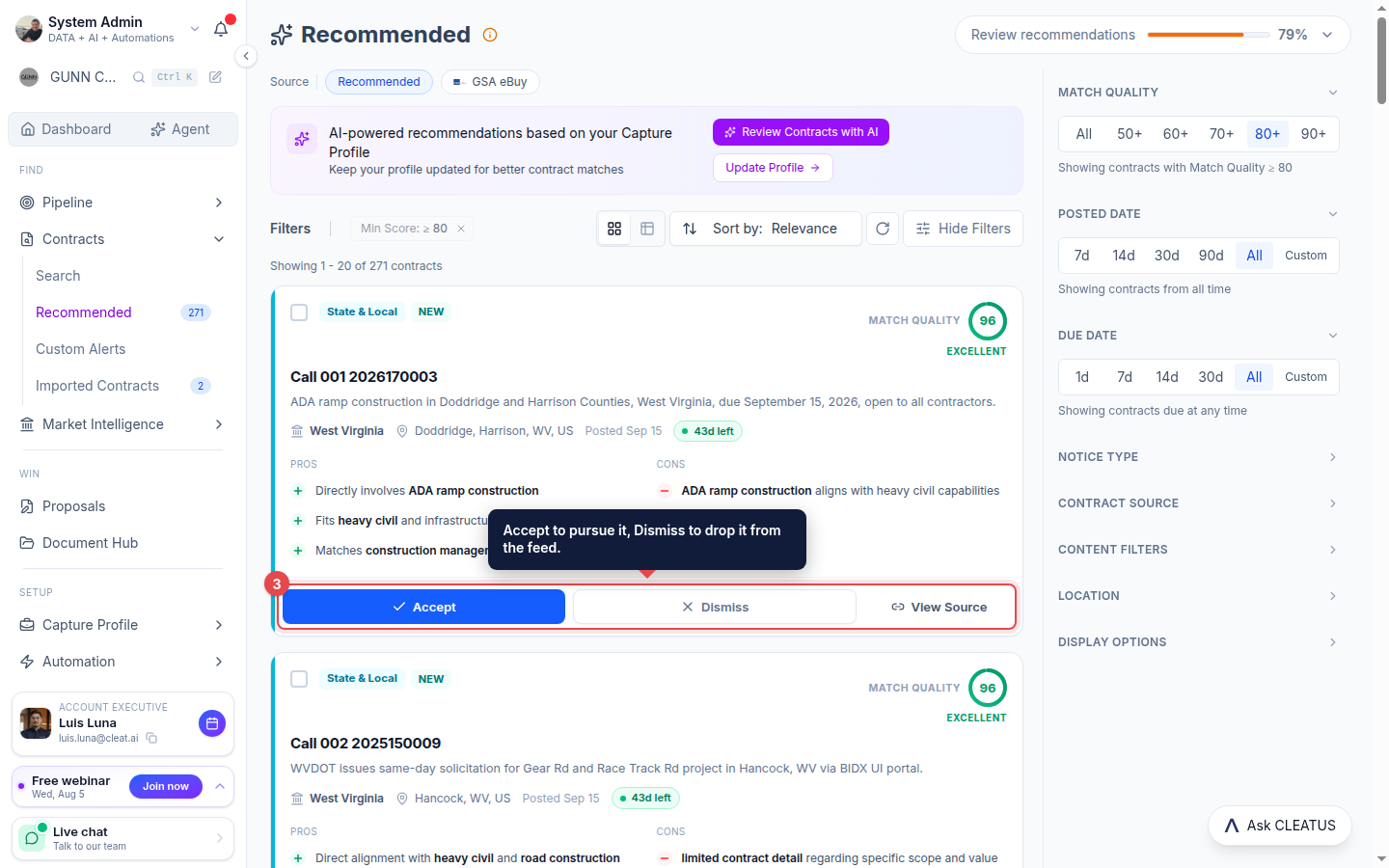
Click Accept to pursue a fit and send it to your pipeline, or Dismiss to remove it from the feed. View Source opens the original government notice.
Focus the feed
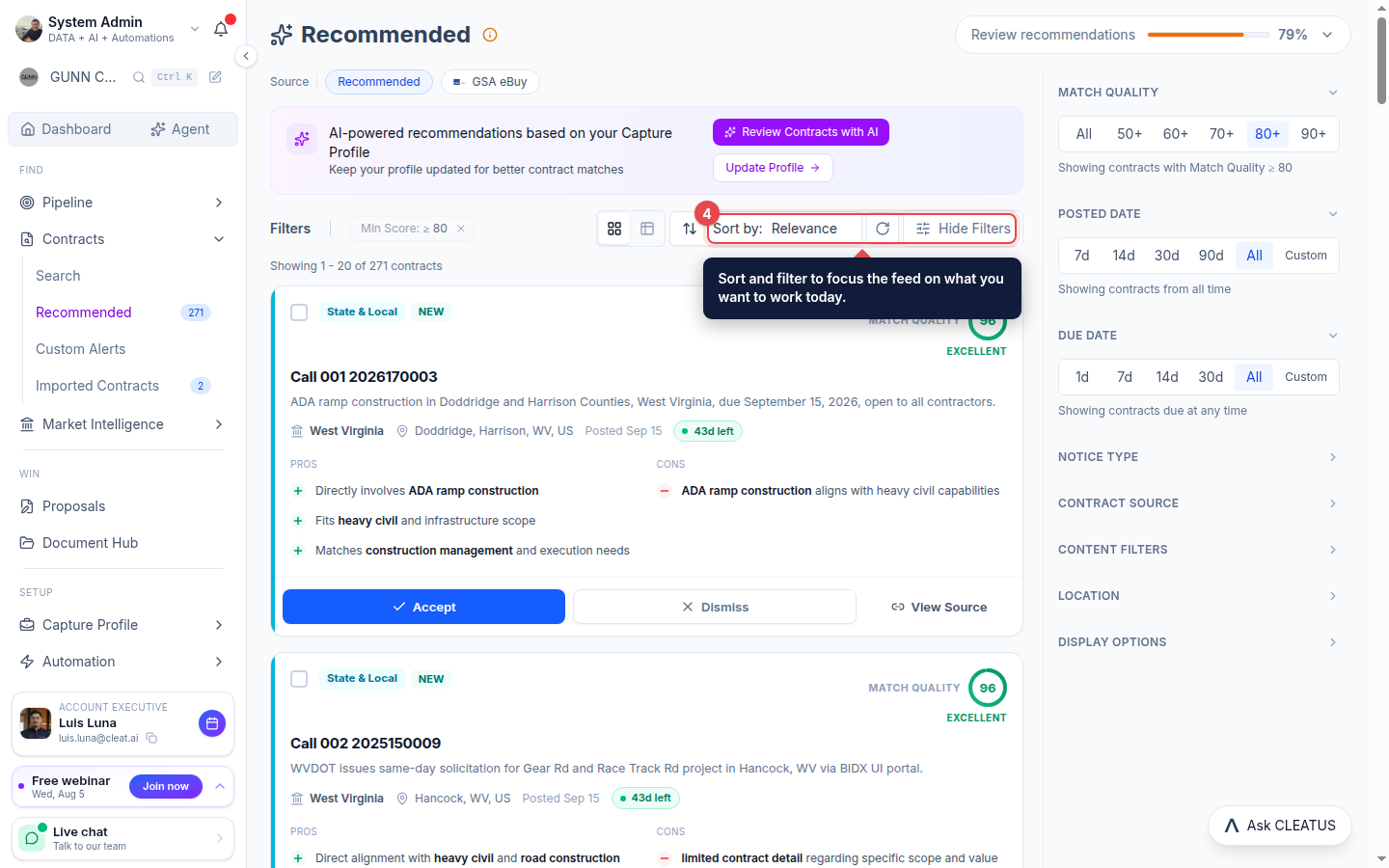
Use Sort by and the filter panel to focus the feed on the slice you want to work today.
Go deeper with AI
Review Contracts with AI runs a deeper pass across the feed, and the more you accept and dismiss, the sharper your recommendations get.
Tip:
Keep your company profile current. It is the biggest lever on match quality.