
Managing Your Workflows
Where your automations live, how to start one, and how to check every run.
CLEATUS Workflows automate the repetitive parts of capture and business development. This guide shows you where your workflows live, how to start one, and how to confirm each run did what you expected.
Or just ask CLEATUS
Build a workflow that emails me when a new recommendation over $1M matches my profile
Manage your workflows
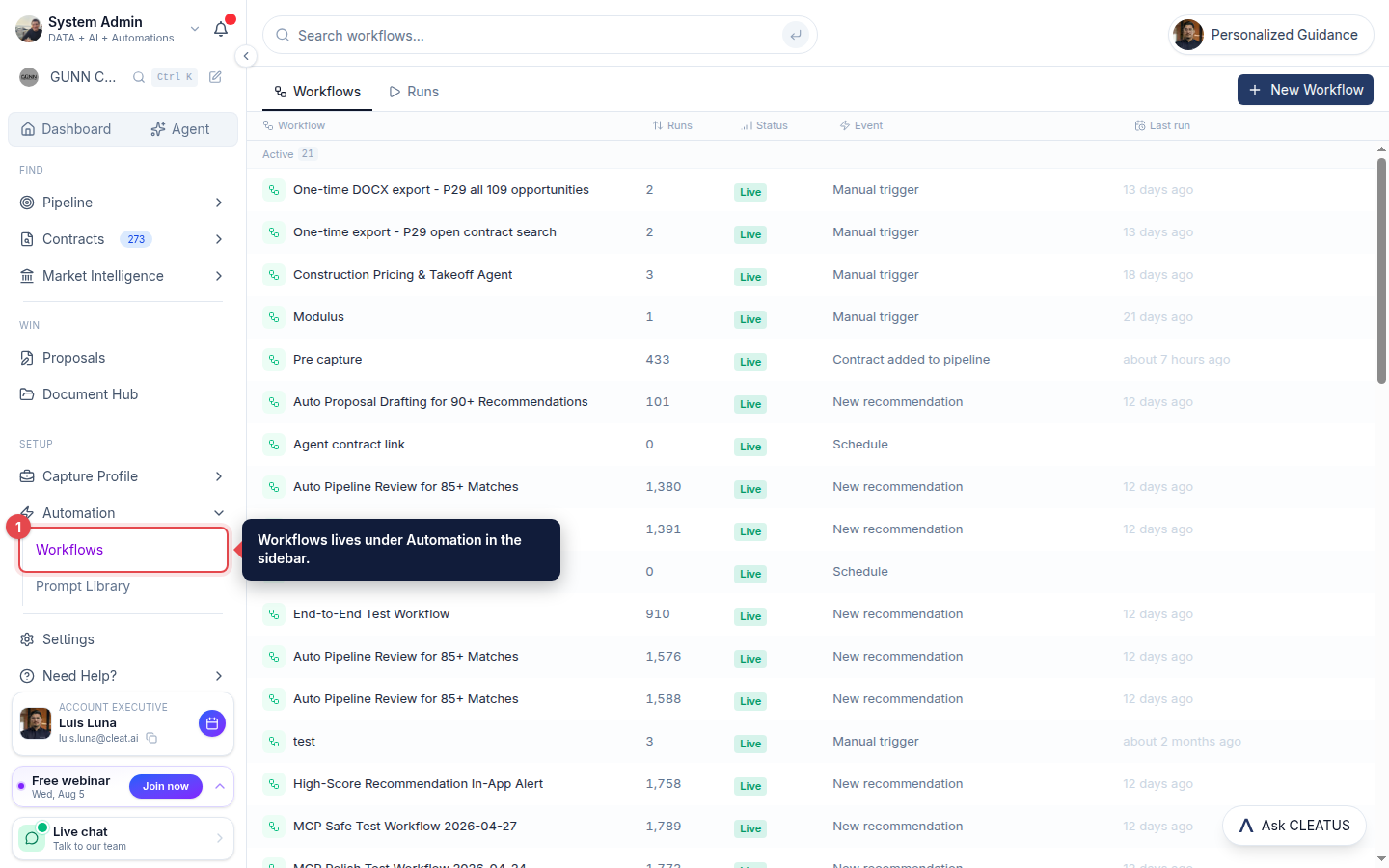
Open Workflows
Open Workflows from Automation in the sidebar to see your automations and their status.
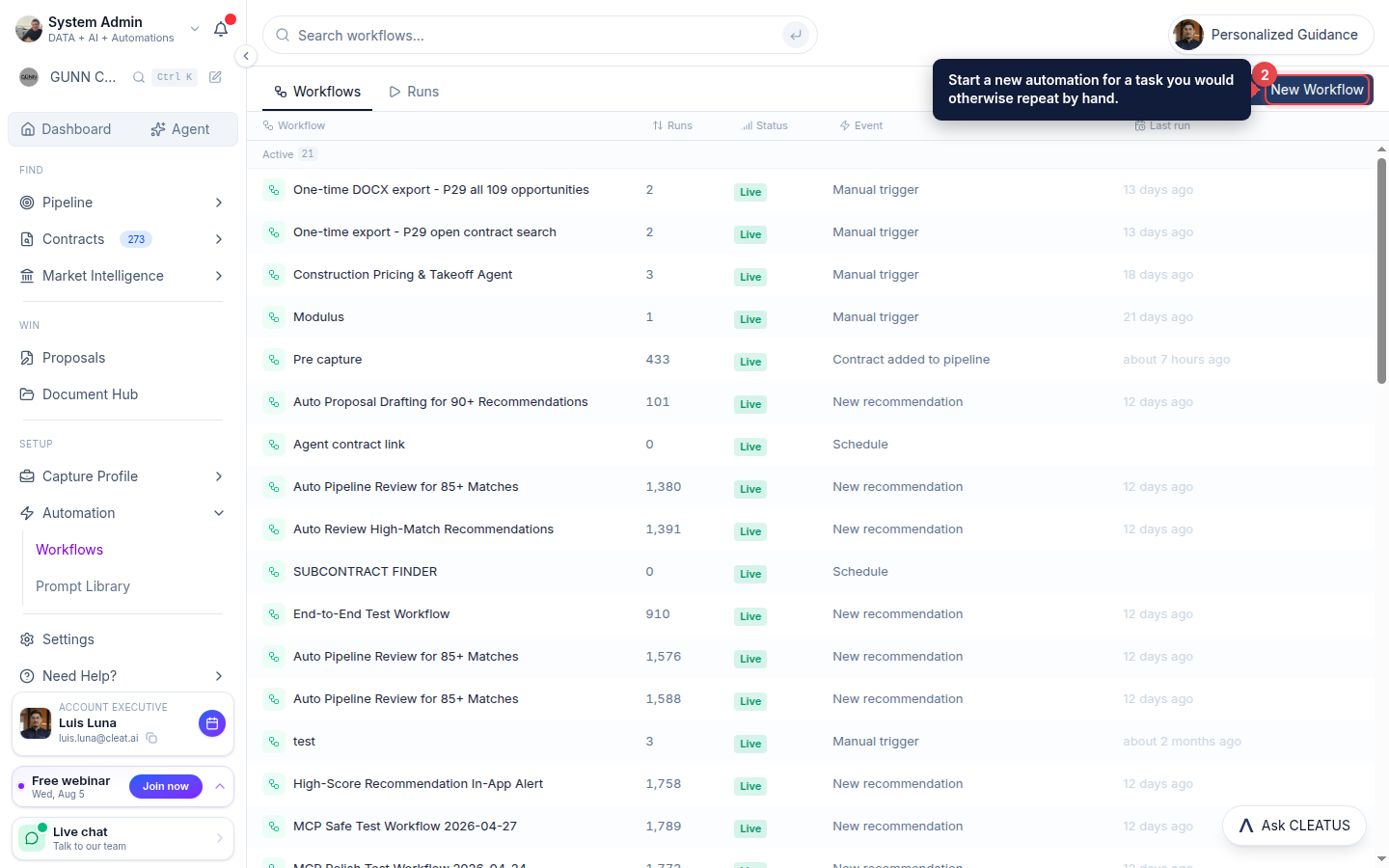
Create a workflow
Click New Workflow to automate a repetitive capture or BD task you would otherwise do by hand.
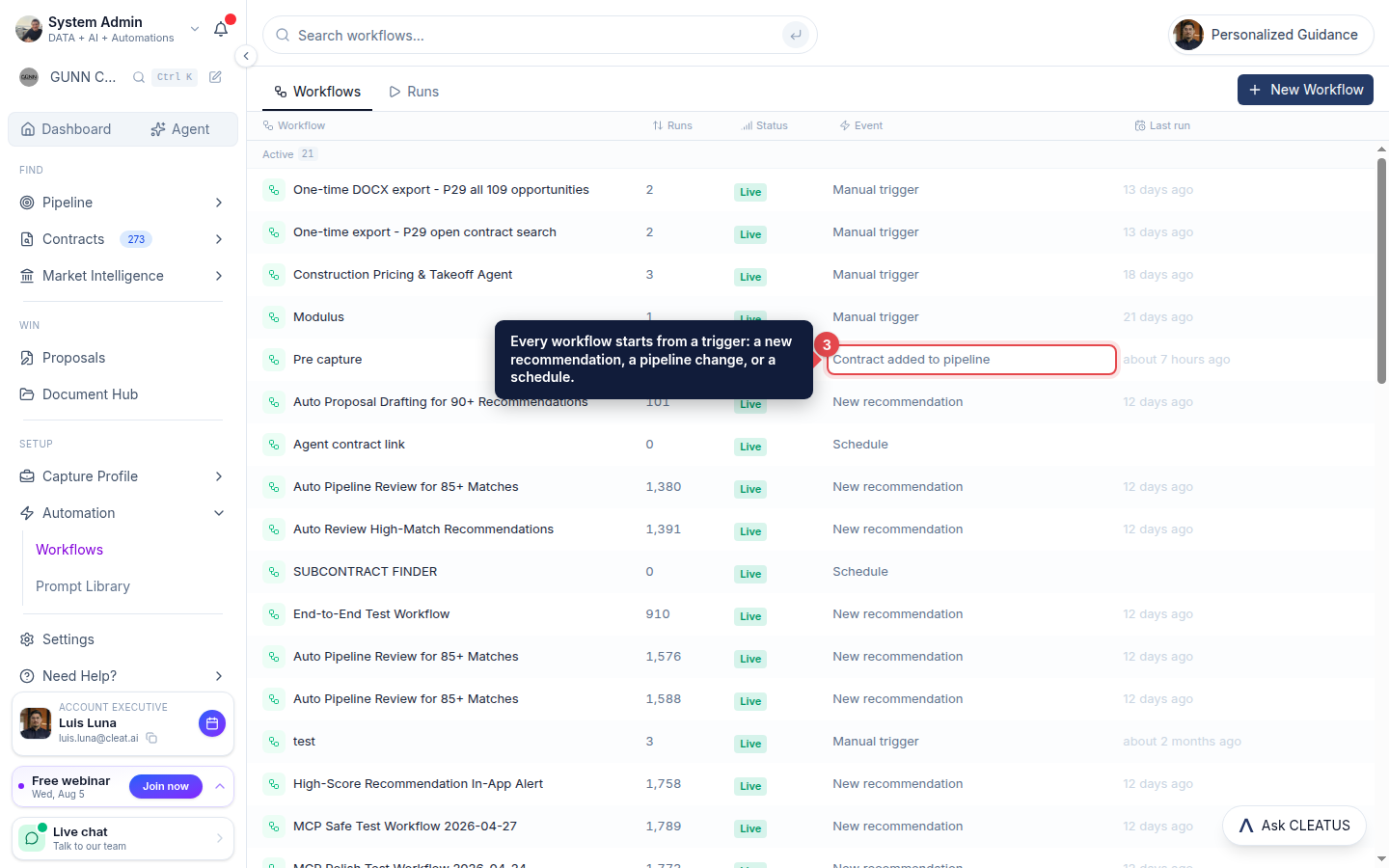
Define a trigger and actions
Every workflow starts from a trigger, a new recommendation, a contract added to the pipeline, a schedule, or a manual run, then runs the actions you attach to it.
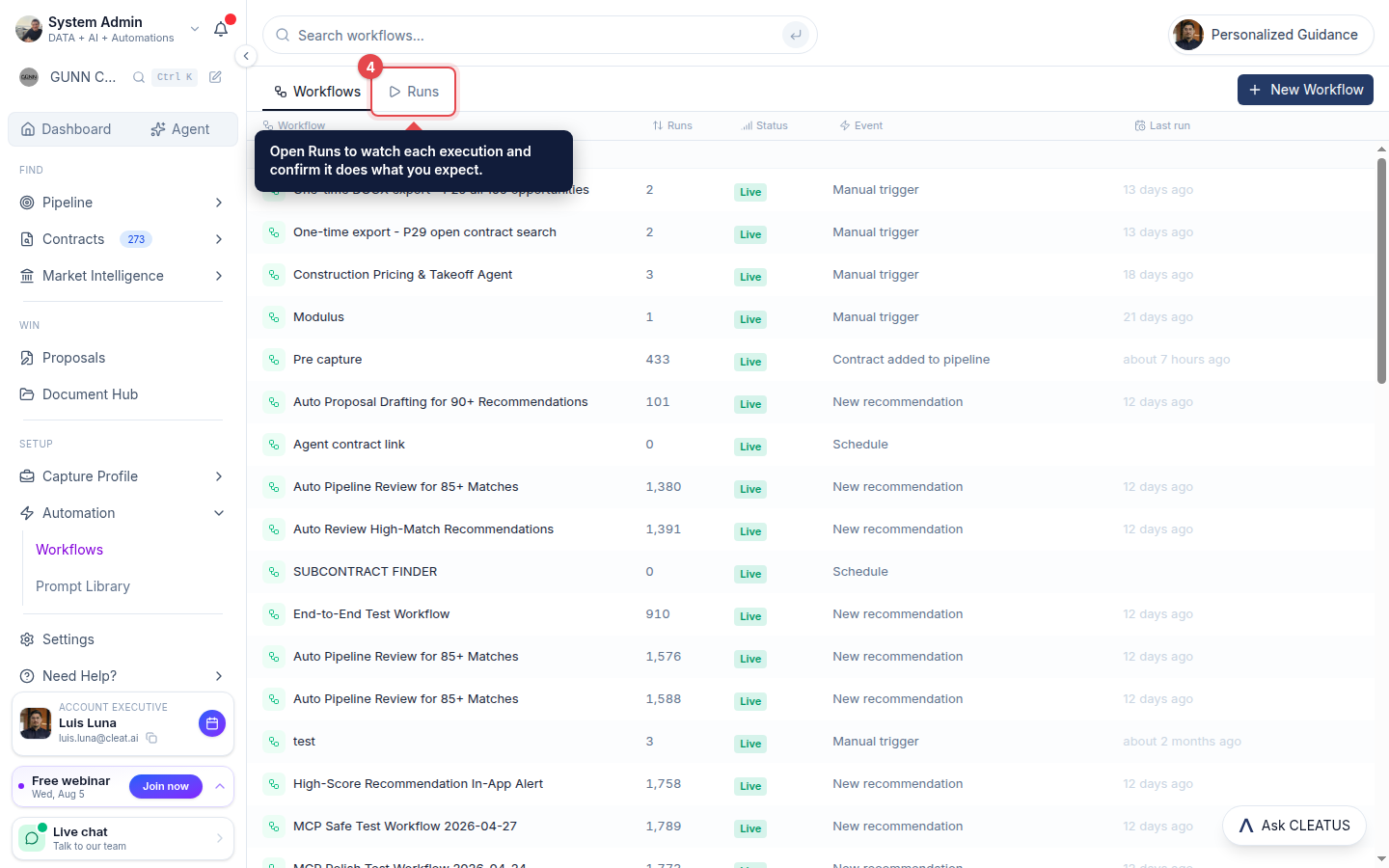
Activate and watch it run
Turn the workflow on, then open the Runs tab to see each execution and confirm it is doing what you expect.
Tip:
Start with a simple "notify me when X matches" workflow, then add steps once you see it working.