
Creating a Workflow
Describe the automation you want and let CLEATUS build the trigger and steps.
You do not have to assemble a workflow block by block. Describe what should happen, and CLEATUS builds the trigger and steps as a draft you review before it runs. This guide walks through that path.
Or just ask CLEATUS
Build a workflow that adds recommendations scoring above 85 to my pipeline
Create a workflow
Pick a starting point
Open Workflows under Automation and click New Workflow. Describe the automation in plain English, start from a blank canvas, or pick a ready-made template.
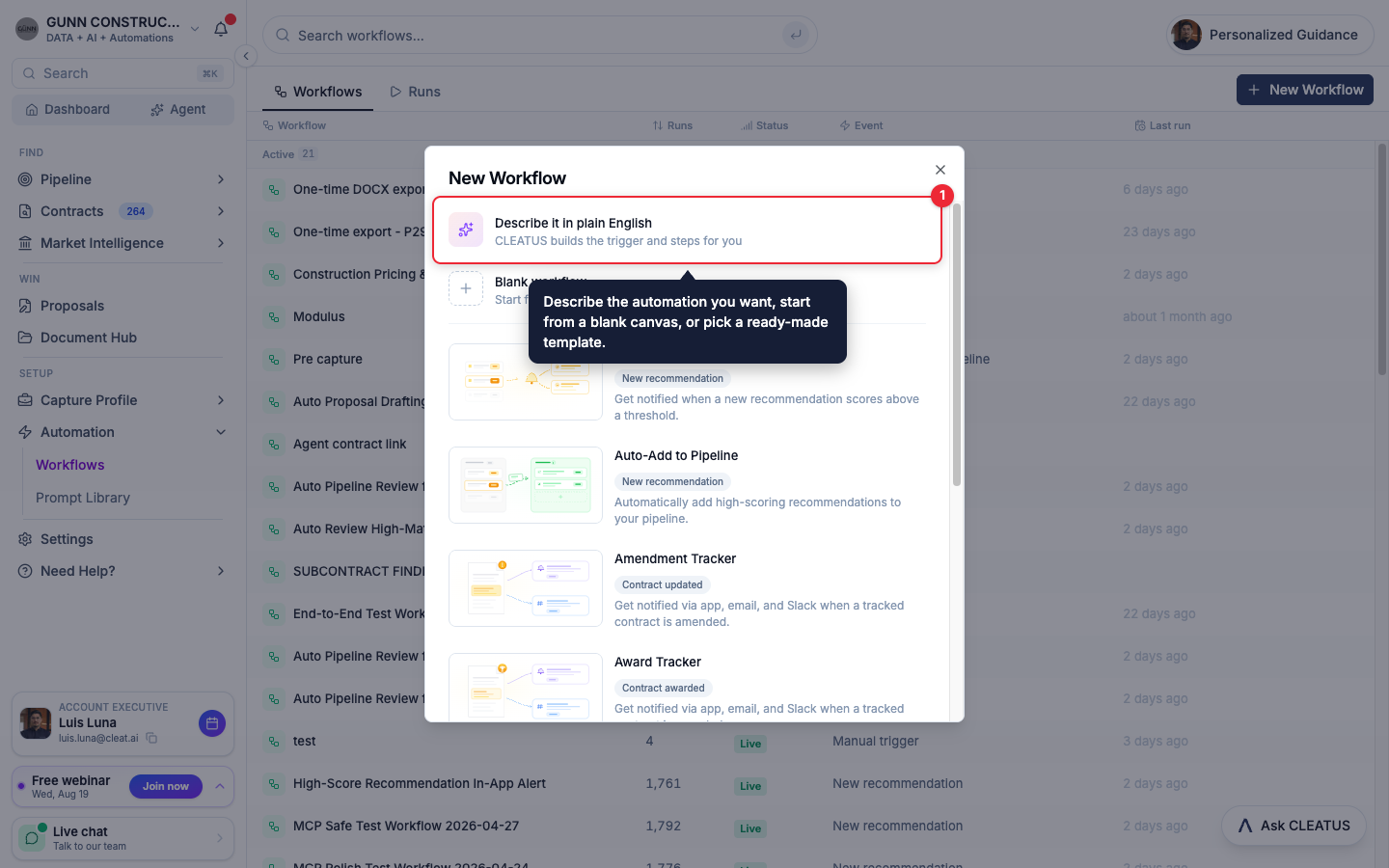
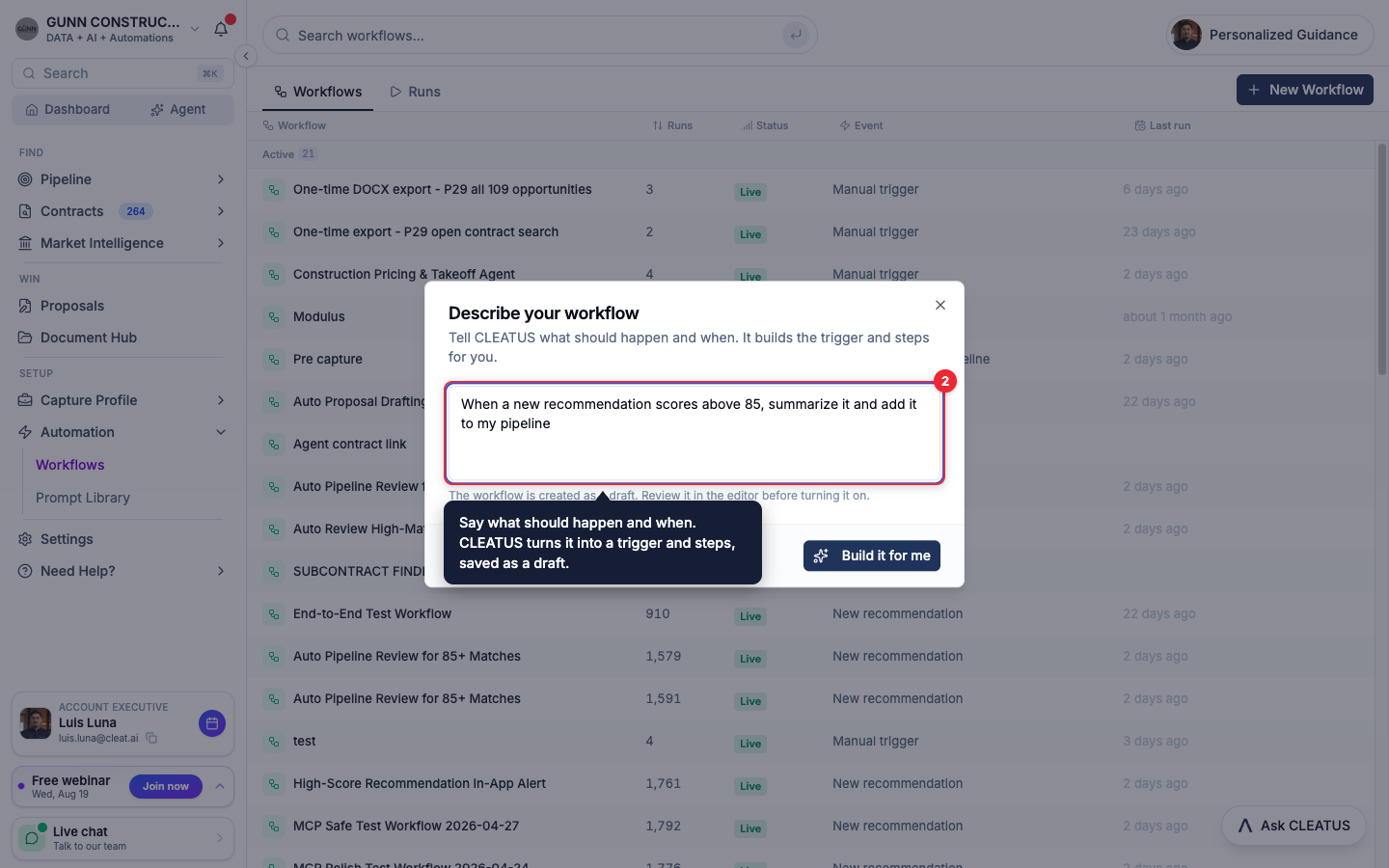
Describe what should happen
Say what should happen and when, the way you would brief a teammate. CLEATUS turns the description into a trigger and steps, saved as a draft that never runs until you turn it on.
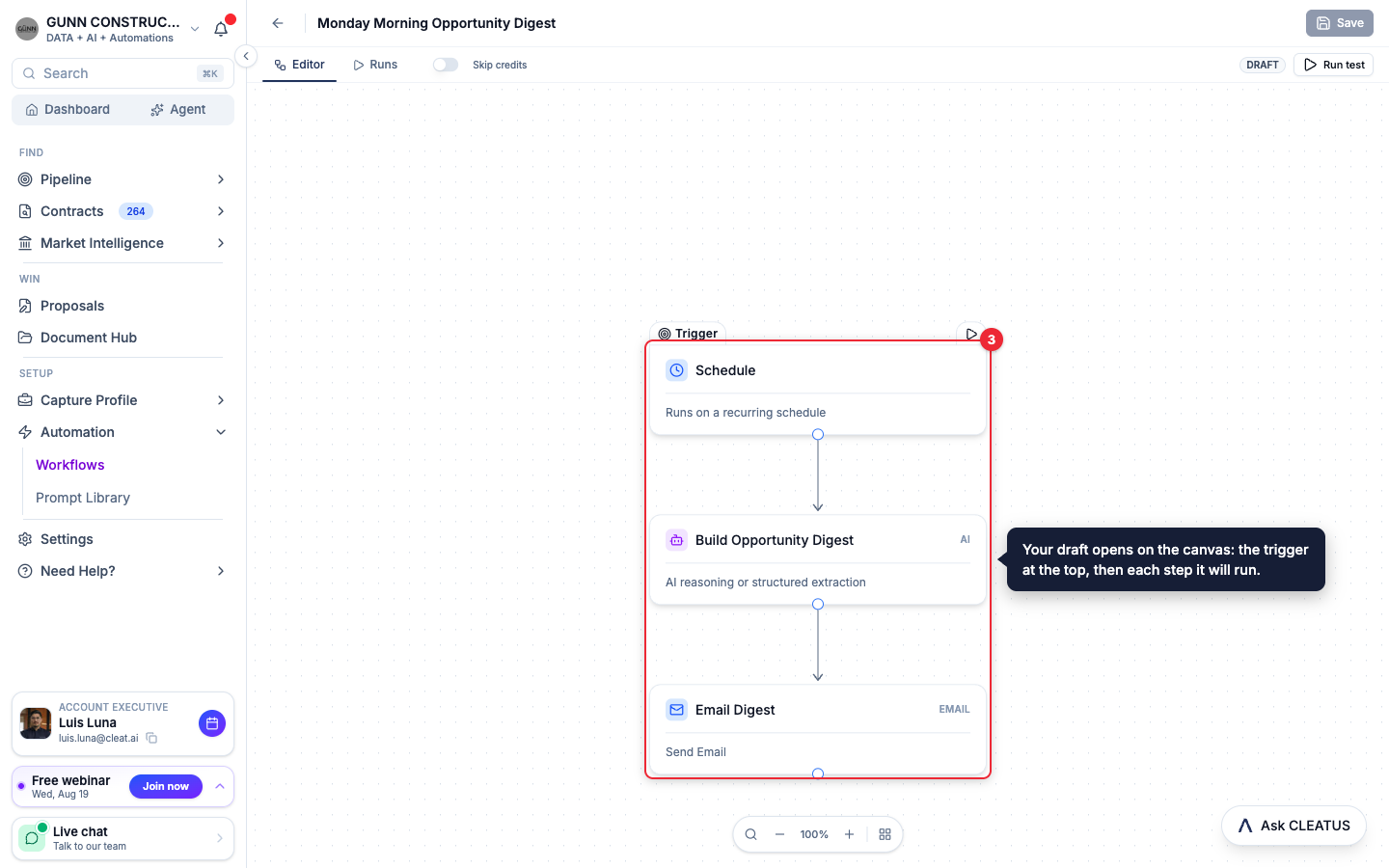
Review the draft on the canvas
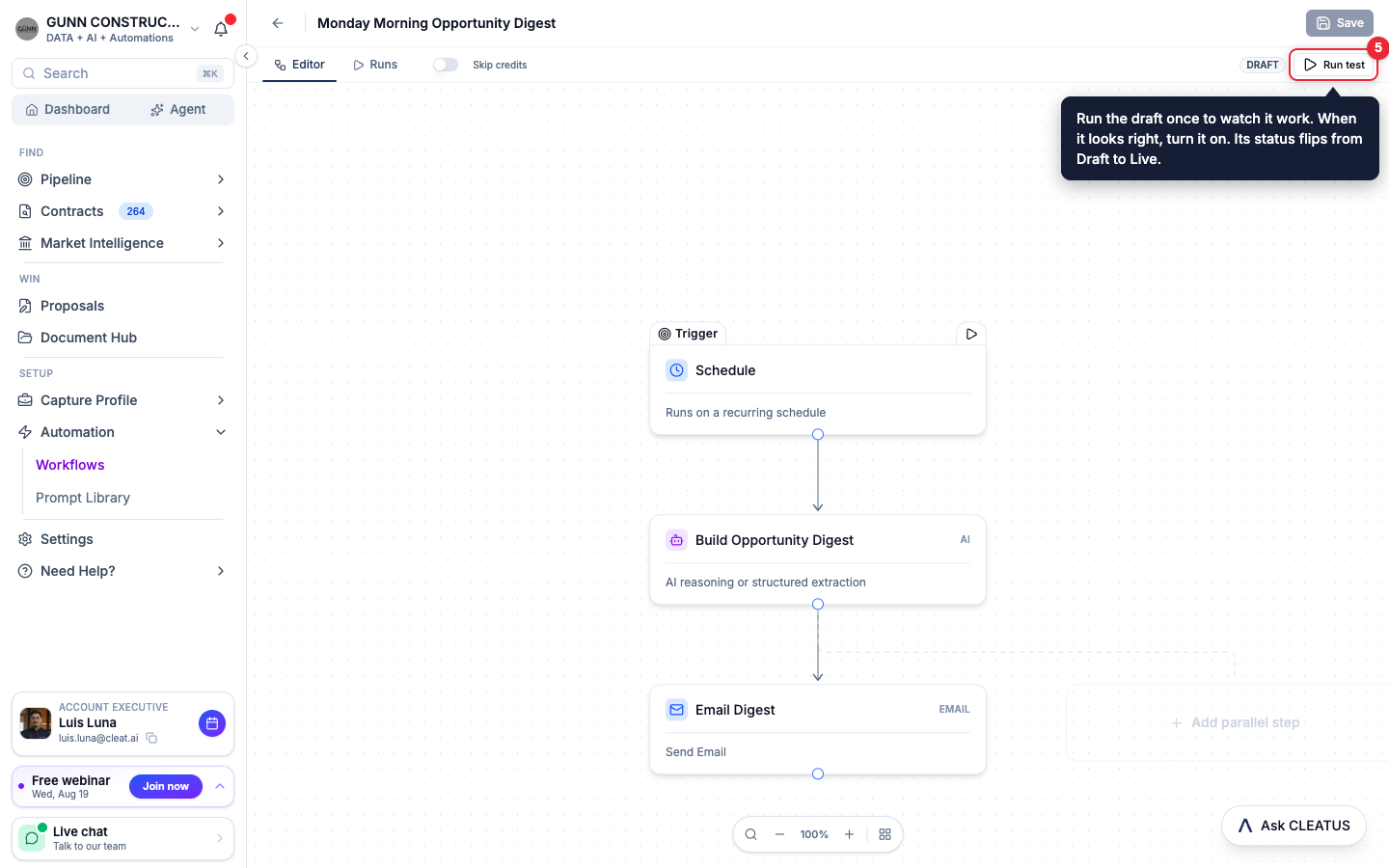
The draft opens in the editor. The trigger sits at the top, and each step it will run follows below.
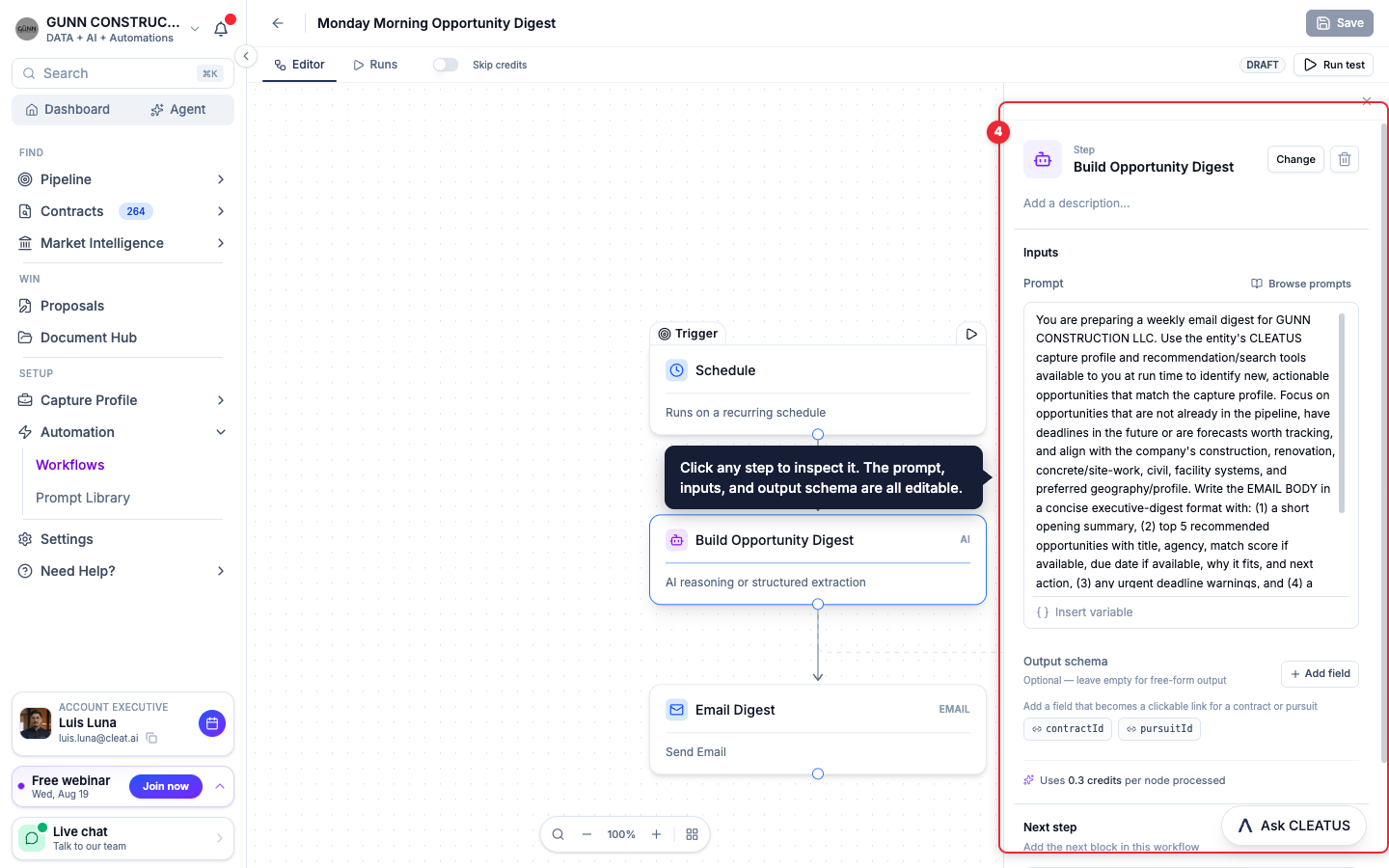
Inspect and edit any step
Click a step to open it. The prompt, inputs, and output schema are all visible and editable, so you can see exactly what the step will do before it ever runs.
Test it, then turn it on
Click Run test to execute the draft once and watch it work. When the result looks right, save it and turn it on. Its status flips from Draft to Live, and every run appears in the Runs tab.
Tip:
Describe the outcome, not the mechanics. "Email me a Monday digest of new matches" gives CLEATUS everything it needs to pick the right trigger and steps.